

Design With Bloom · The Bloom Library
Every section, live. Choose what your website needs next.
Headers, menus, treatment lists, price lists, reviews, footers and more, all designed to sit beautifully together. Browse them working here, then take one, bundle a few, or get the whole library.
Browse the library
14 categories of sections, all on brand
Click into a category to see every section working live. New categories are being added now.
64 sections
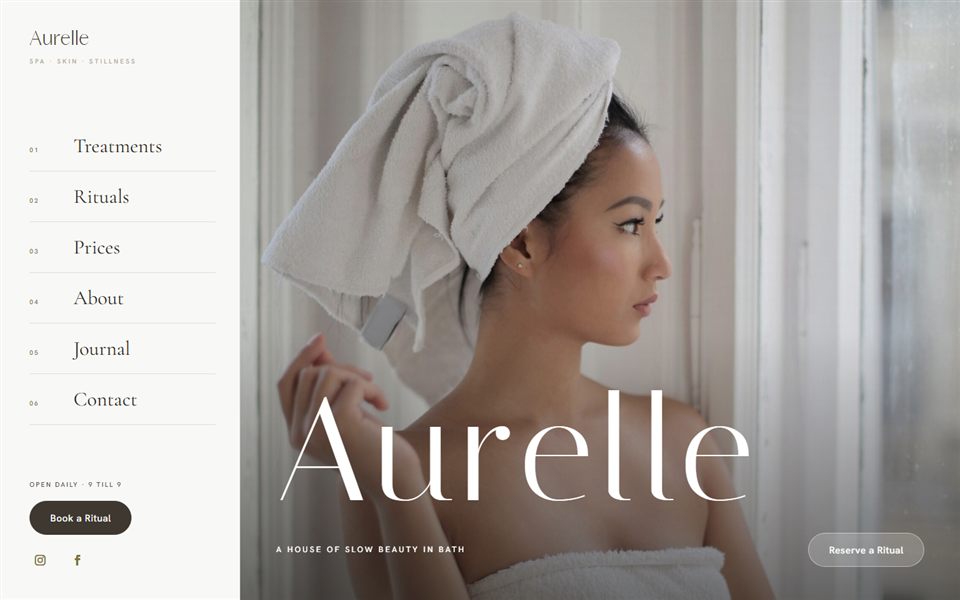
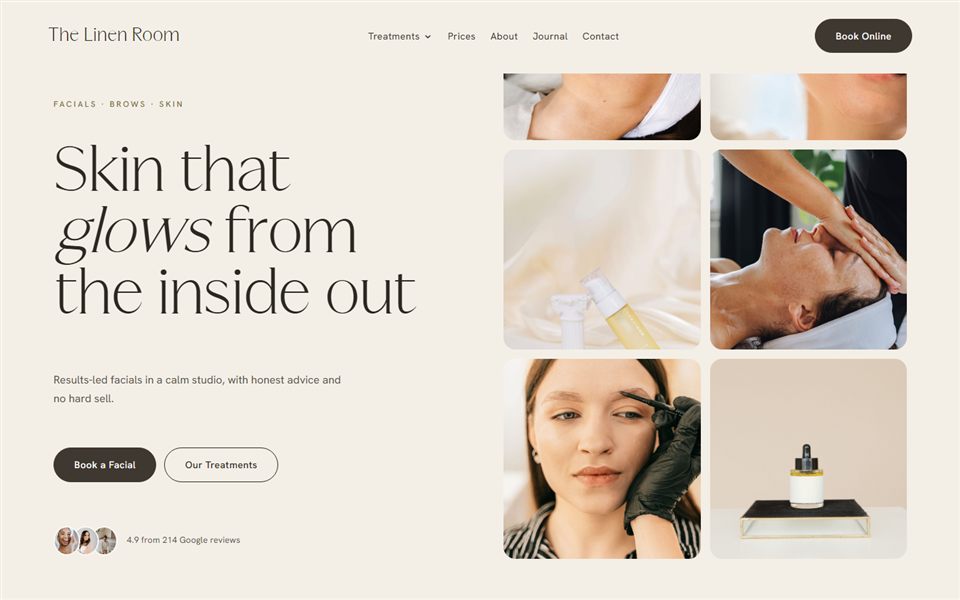
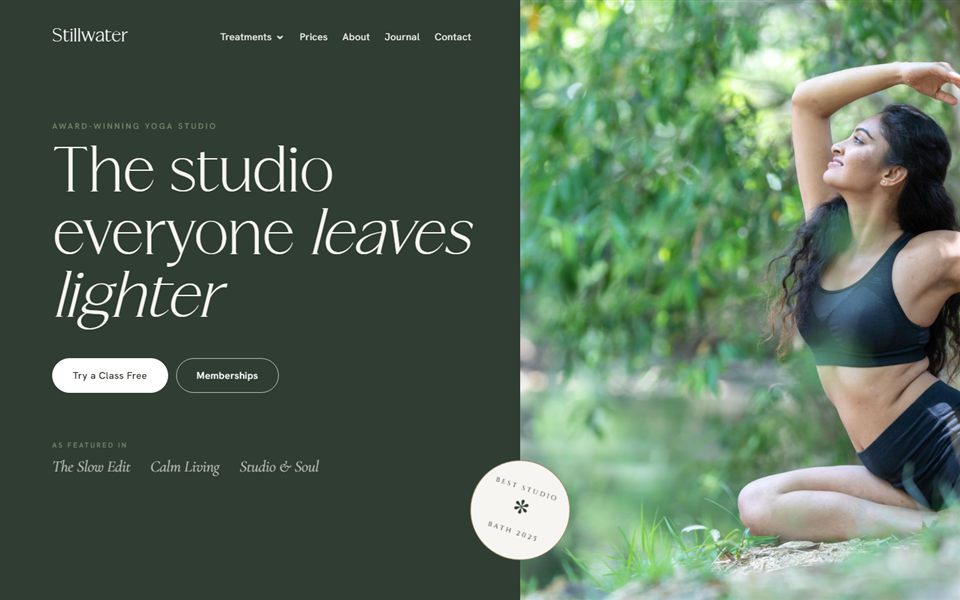
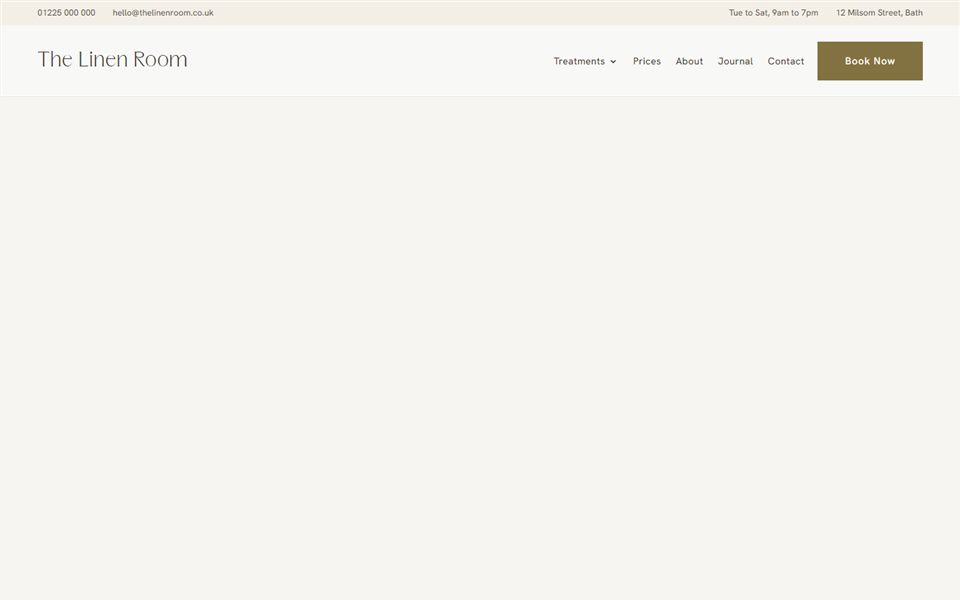
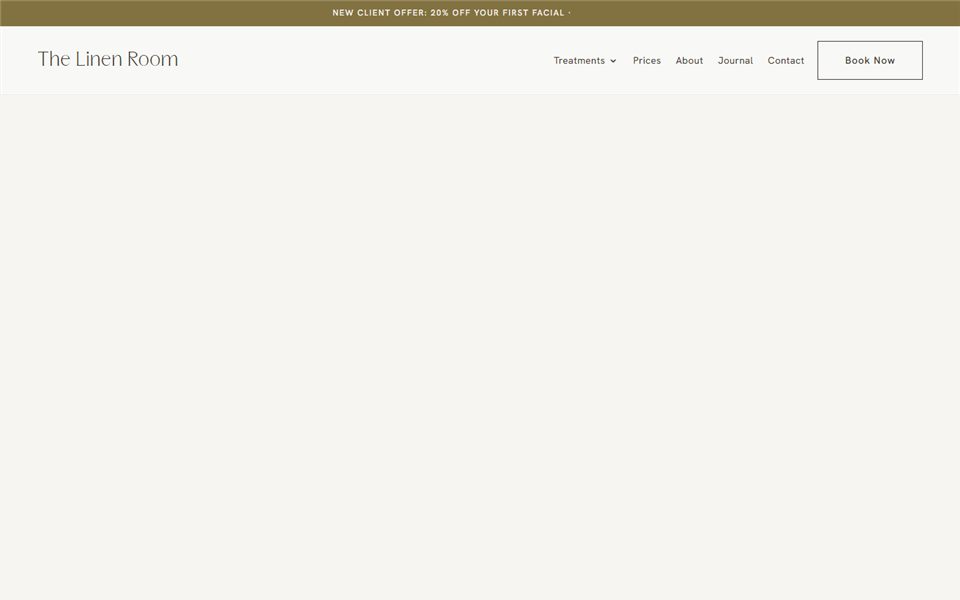
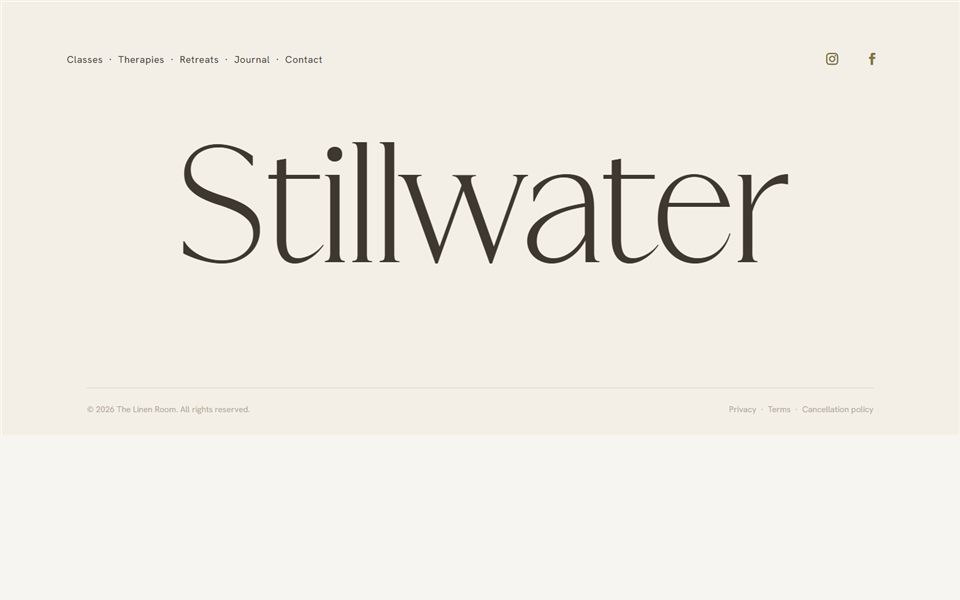
Hero headers
The first thing a visitor sees. Change the whole feel of your homepage in one swap.

7 sections
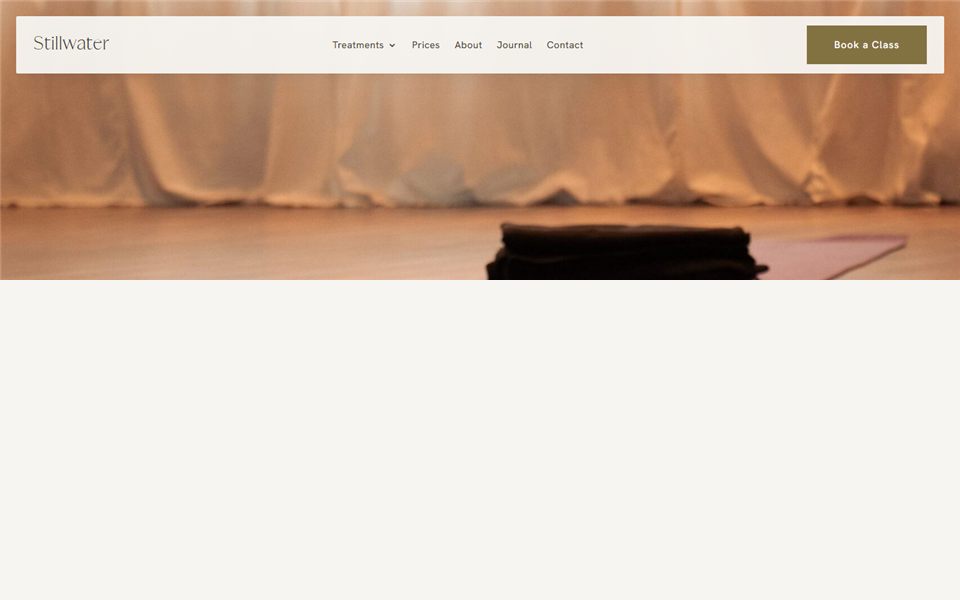
Menus & navigation
Menus for a simple one-page site, or a business with lots to offer.

10 sections
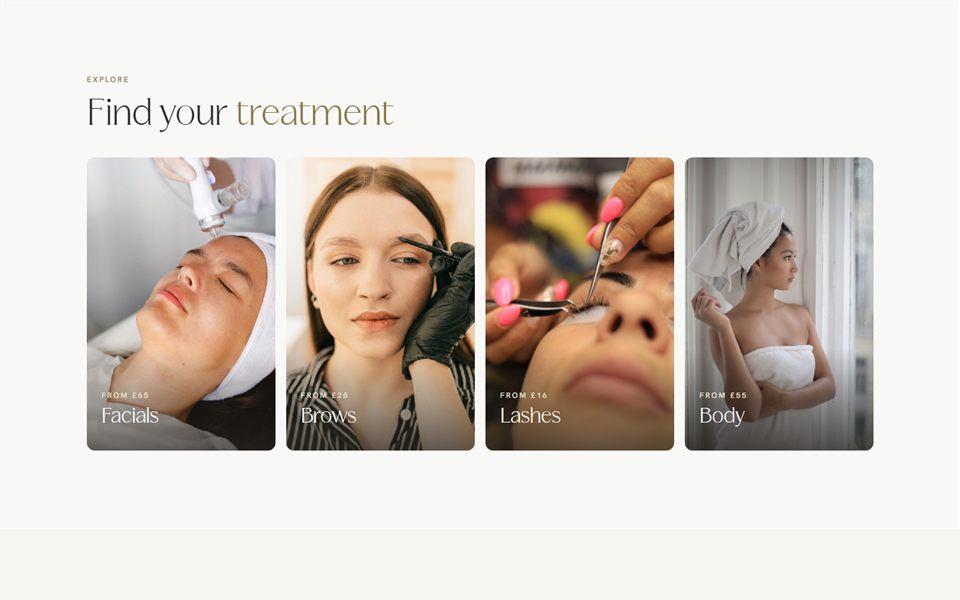
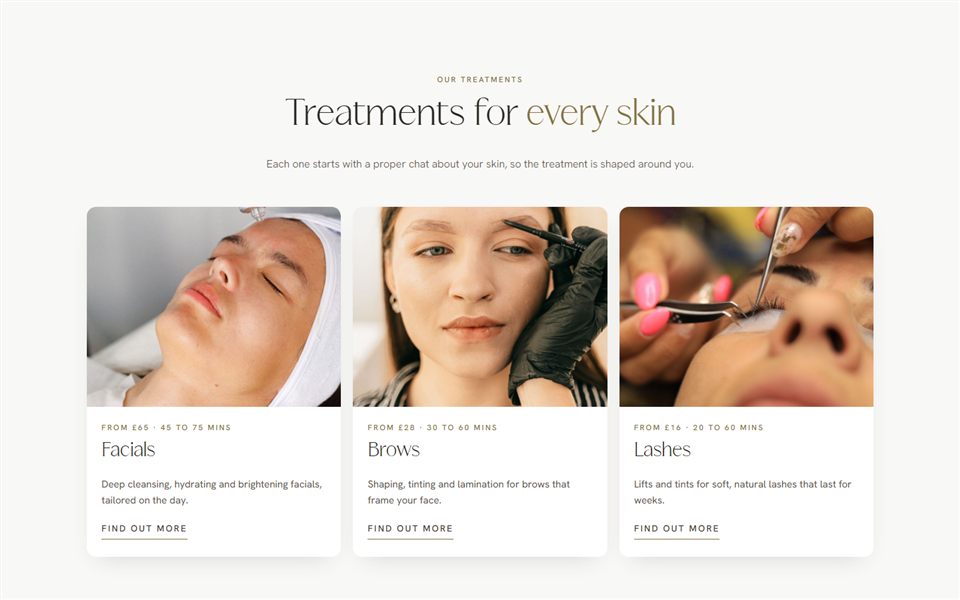
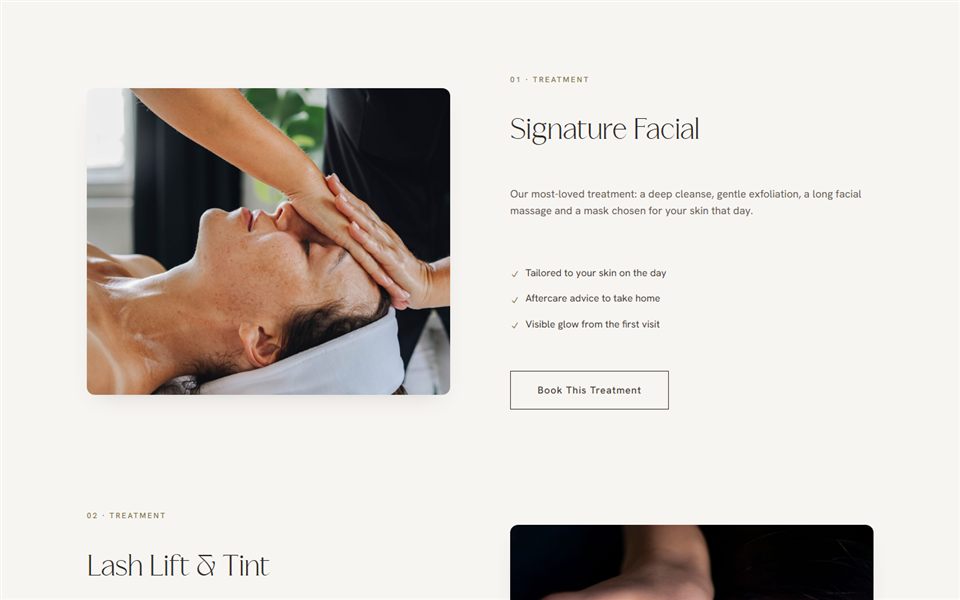
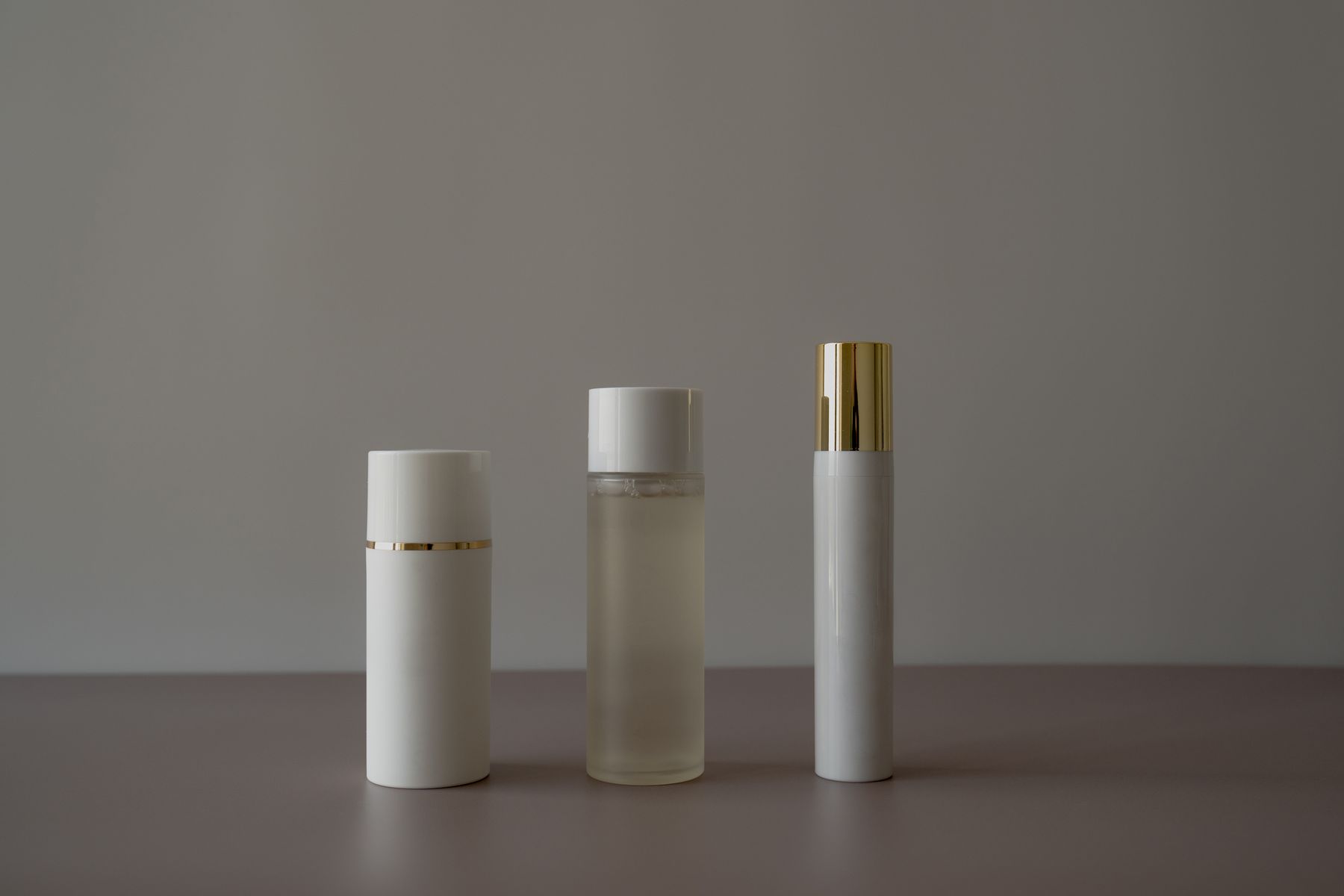
Services & treatments
Ways to show treatments and packages as your menu grows.
8 sections
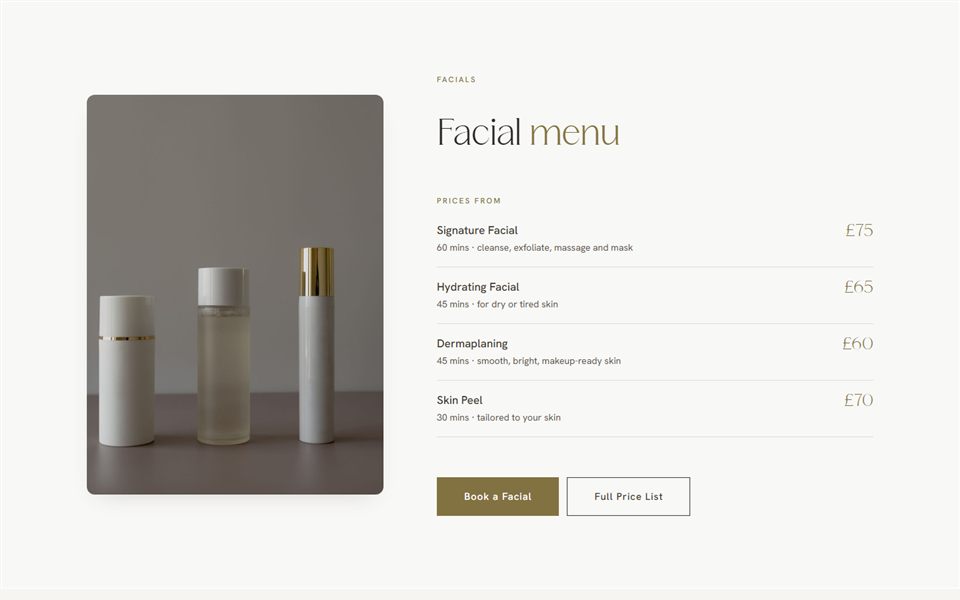
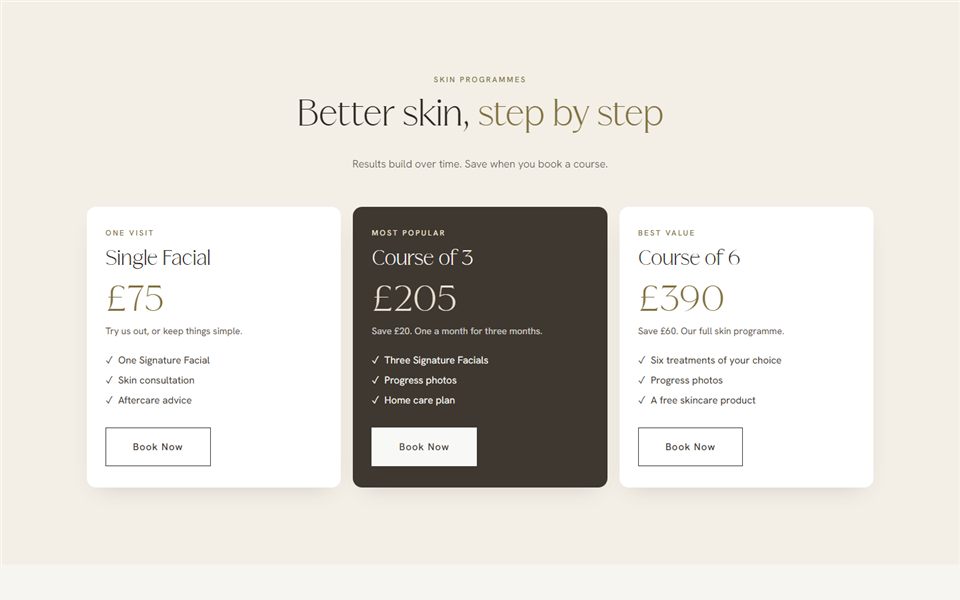
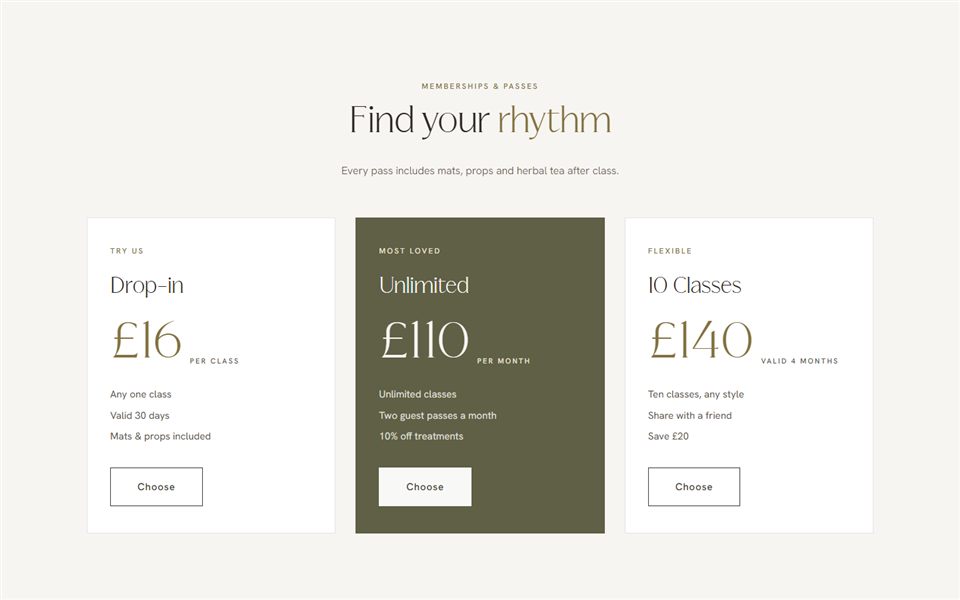
Price lists
Clear, beautiful prices, from a short menu to a full clinic list.

8 sections
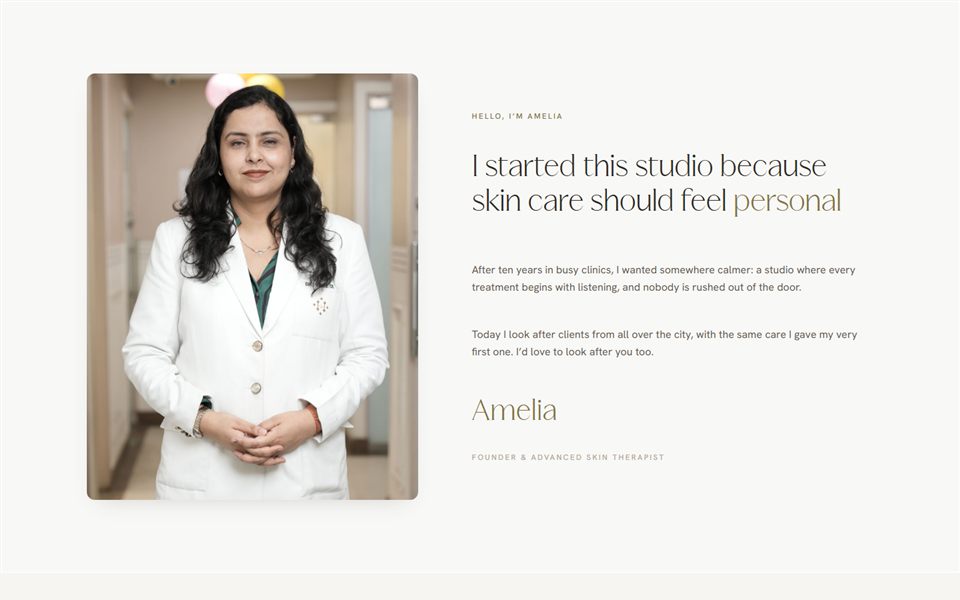
About & story
Introduce yourself, your story and the way you work.

7 sections
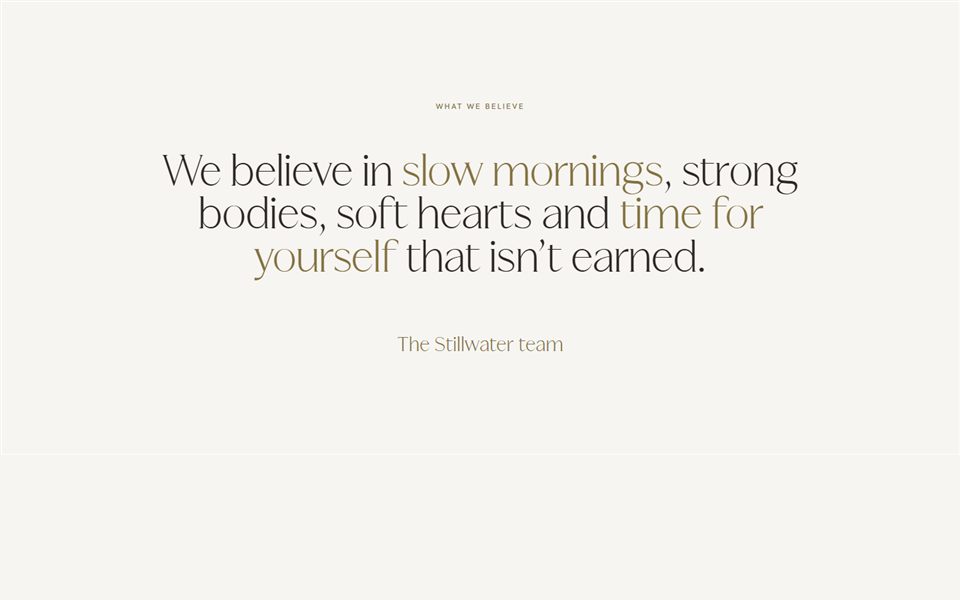
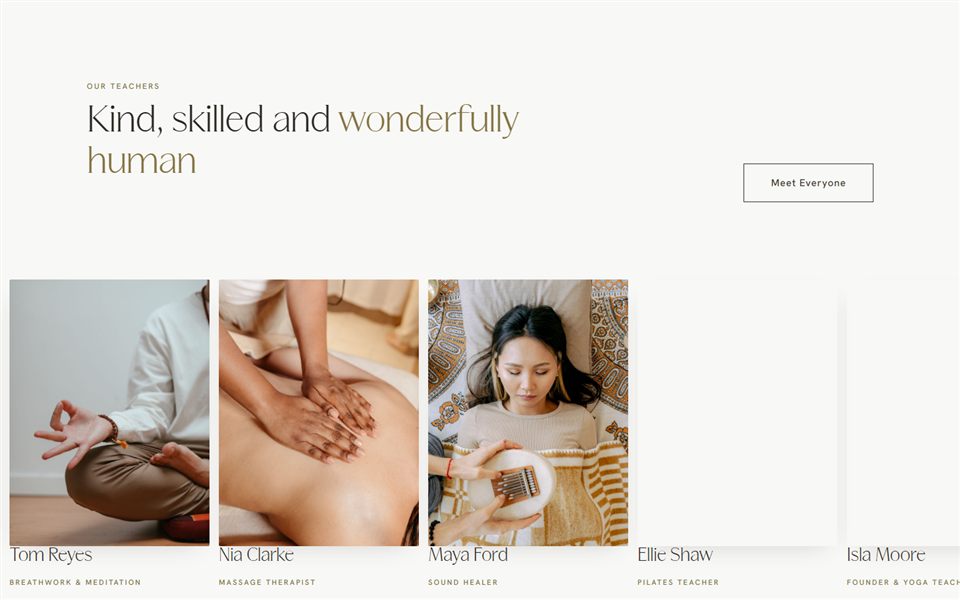
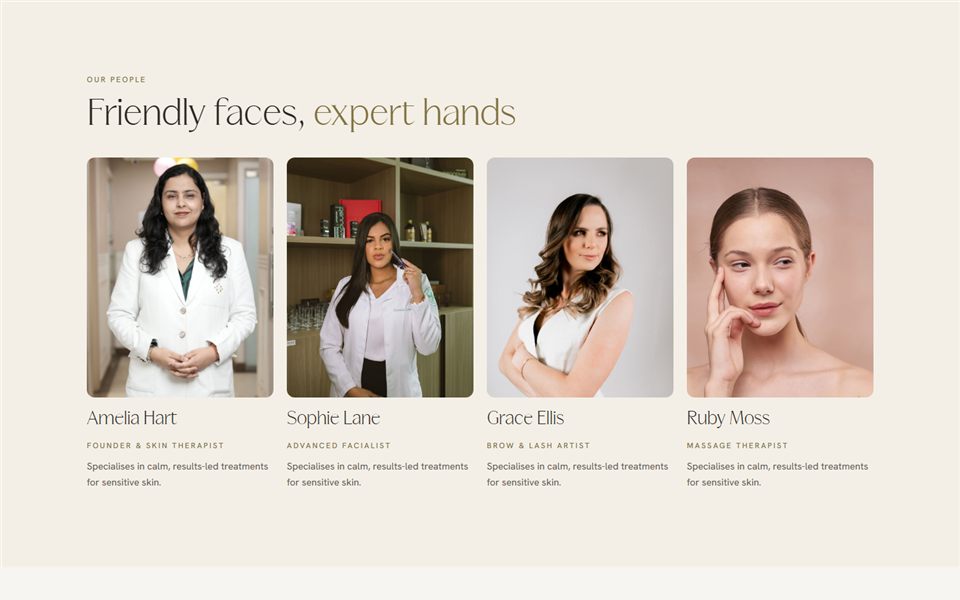
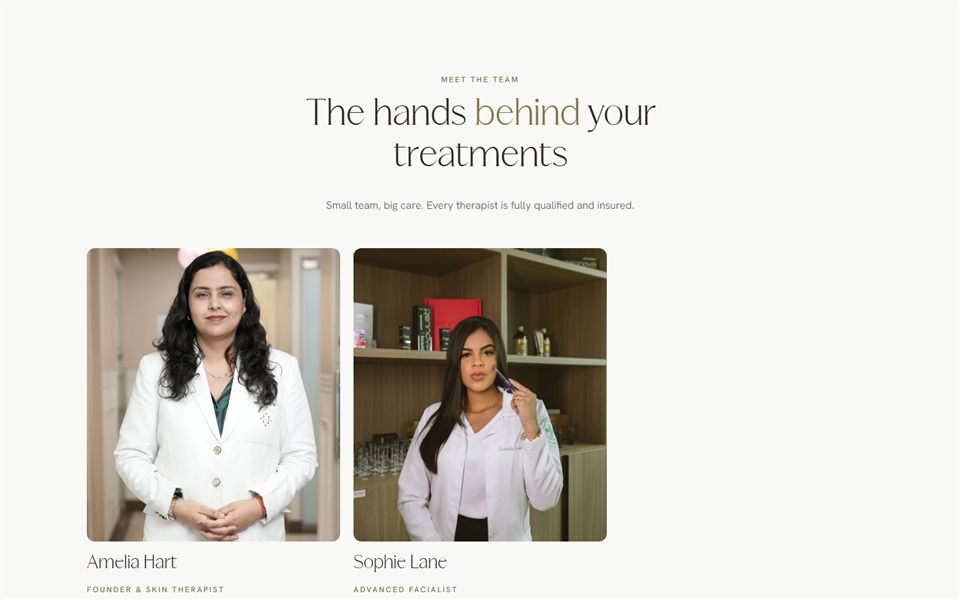
Meet the team
Put faces to names, from one practitioner to a full team.

8 sections
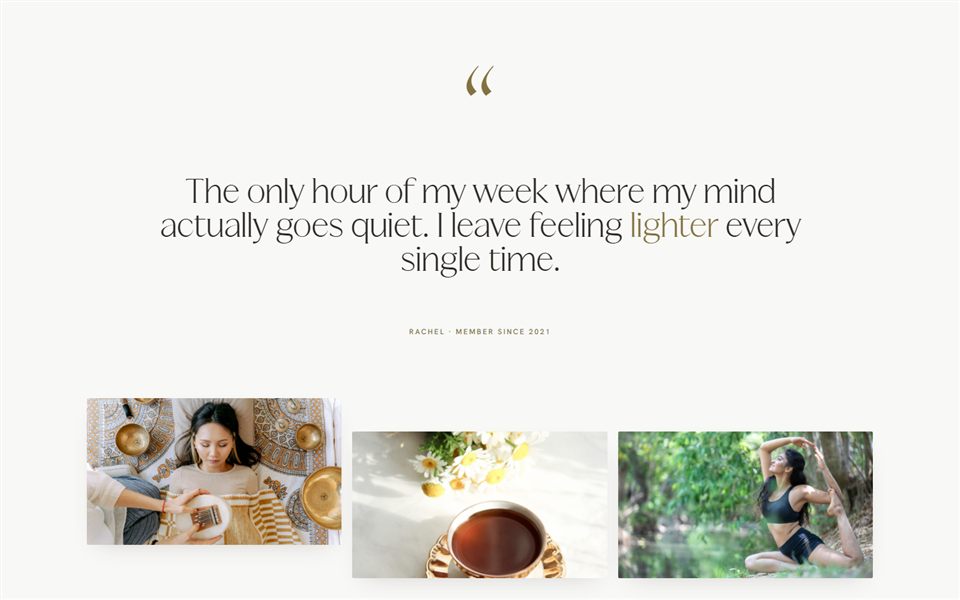
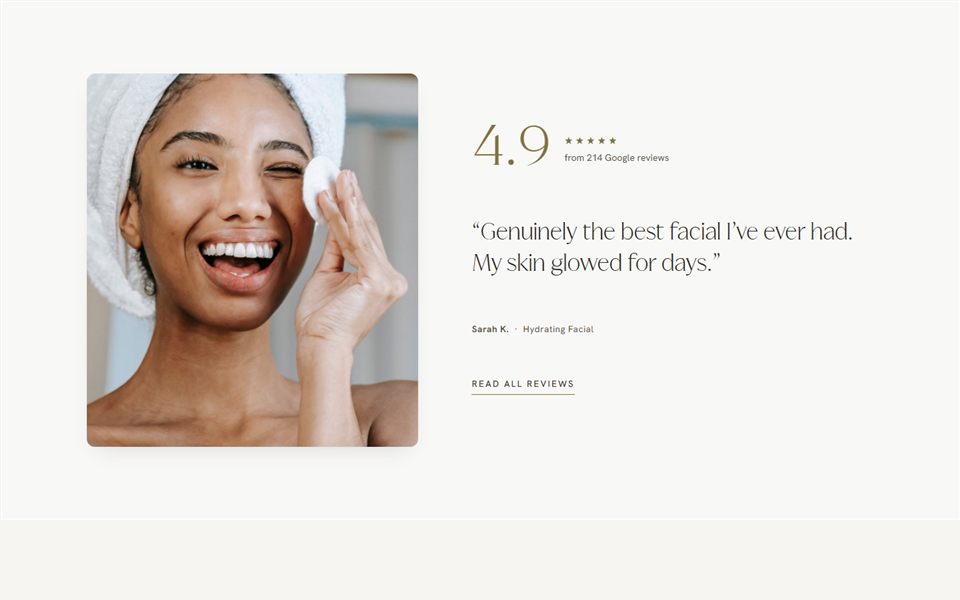
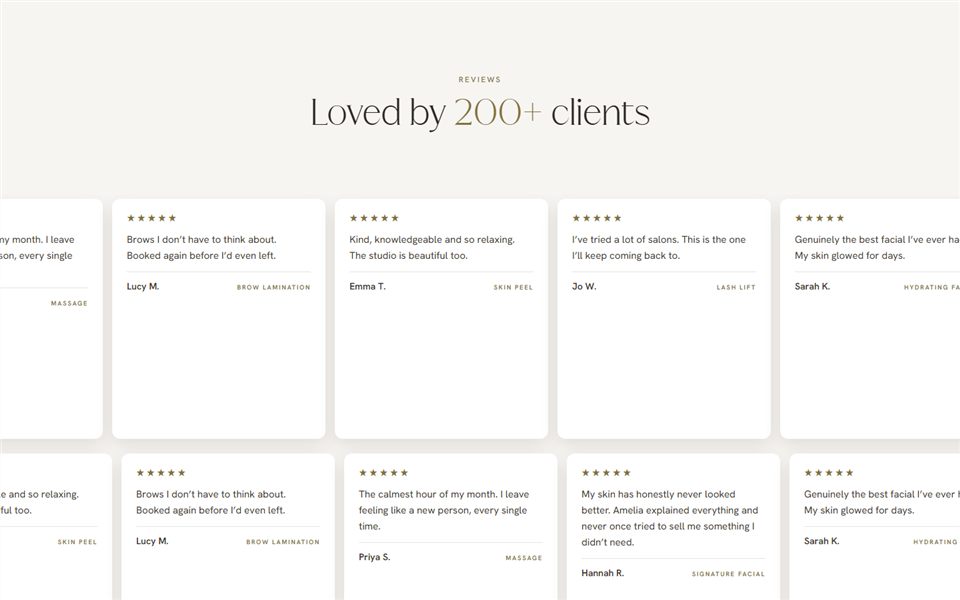
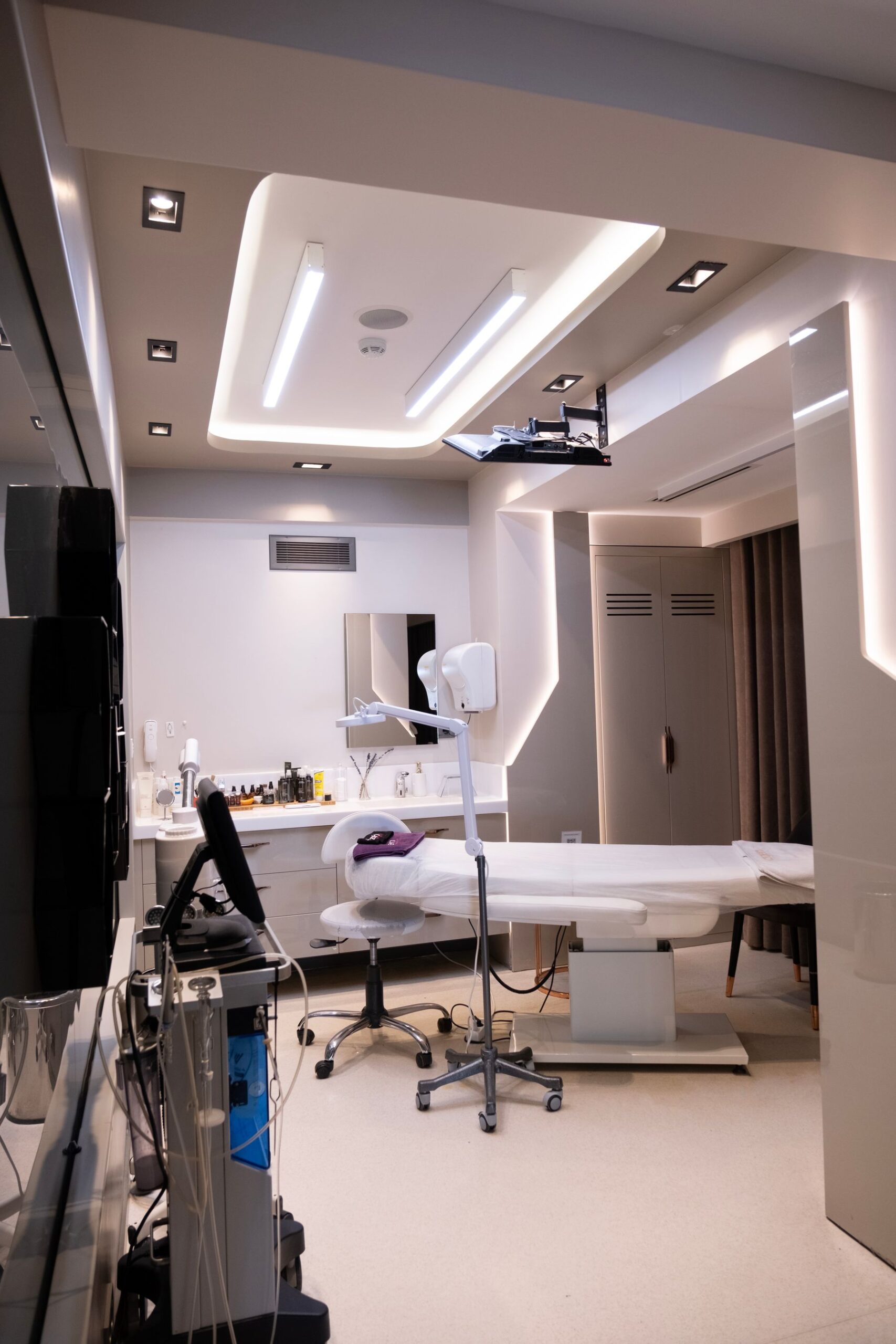
Testimonials & reviews
Let your clients do the talking.
7 sections
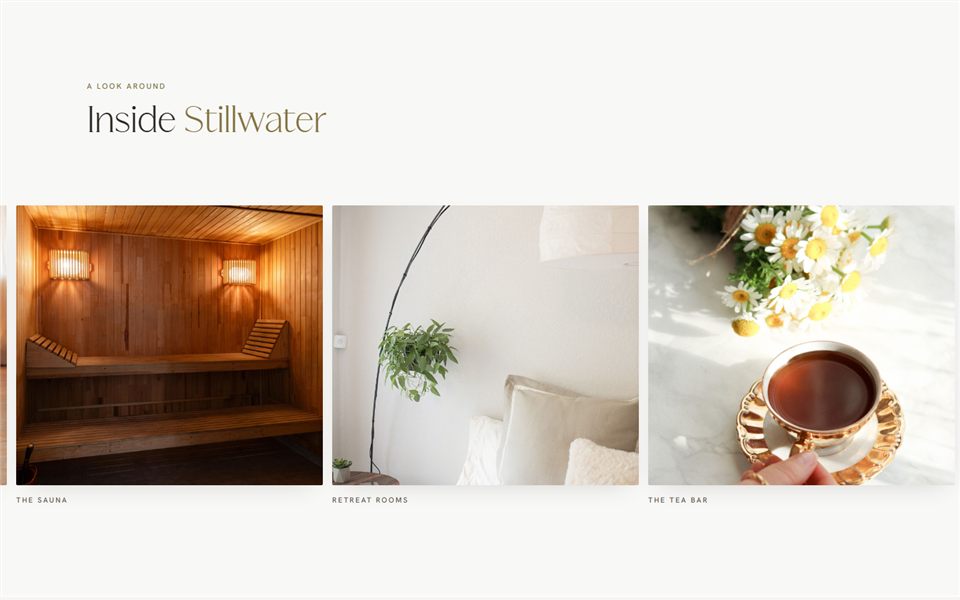
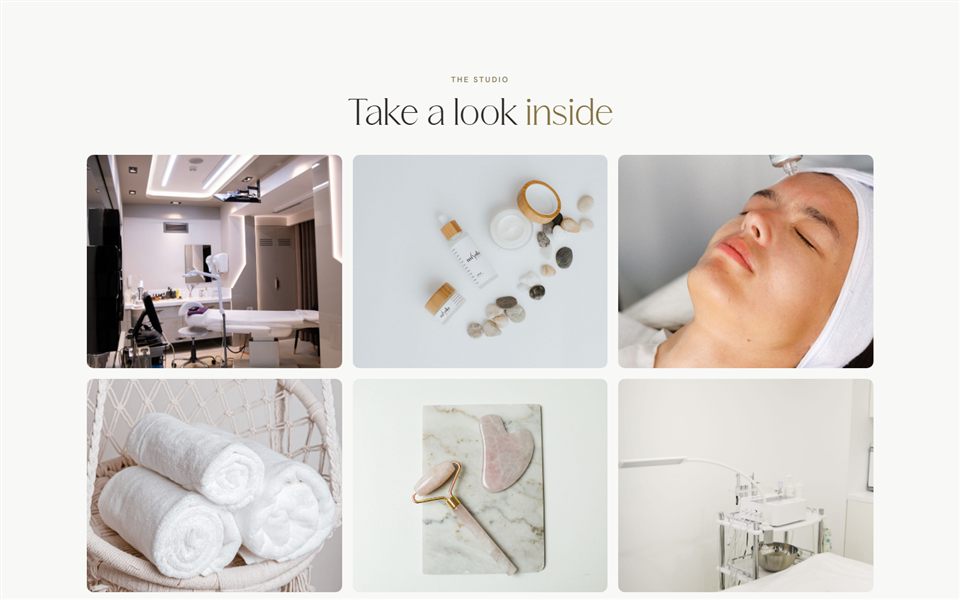
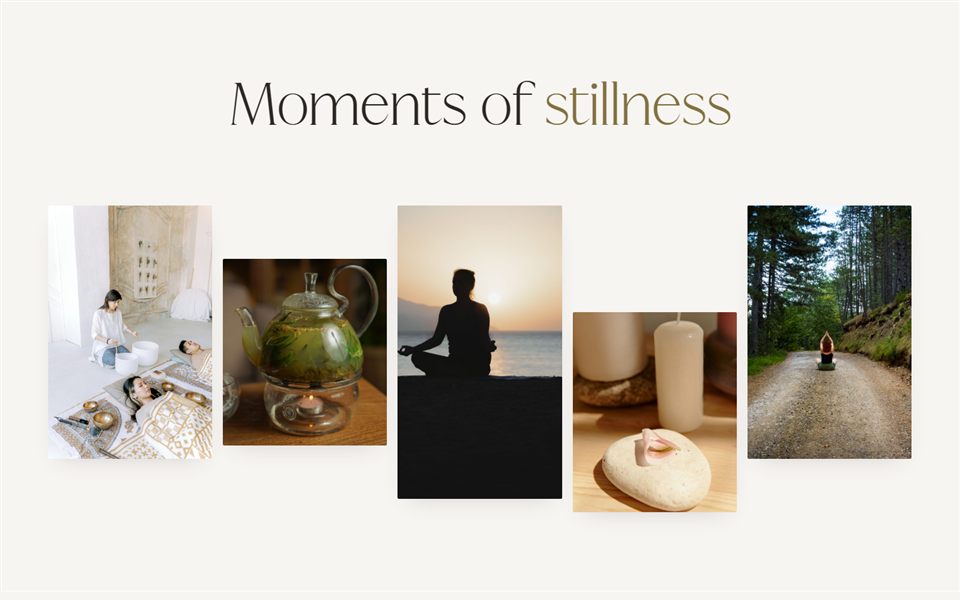
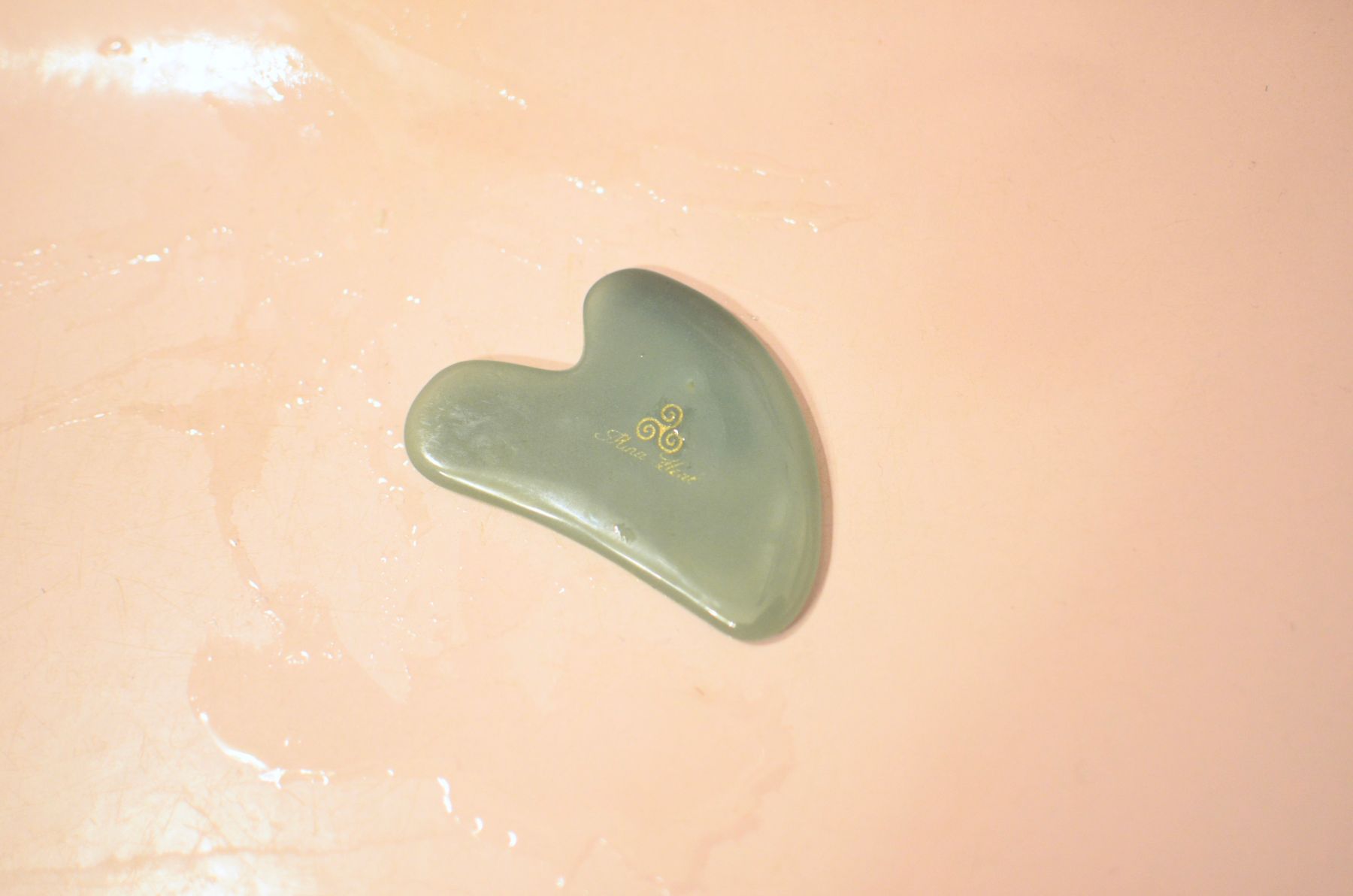
Galleries & results
Show your space, your work and your results.
7 sections
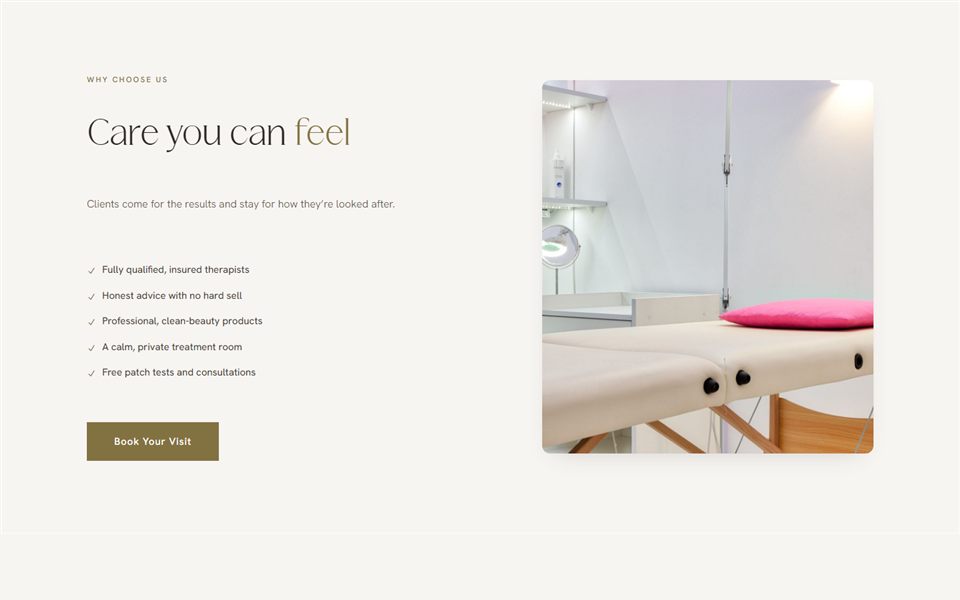
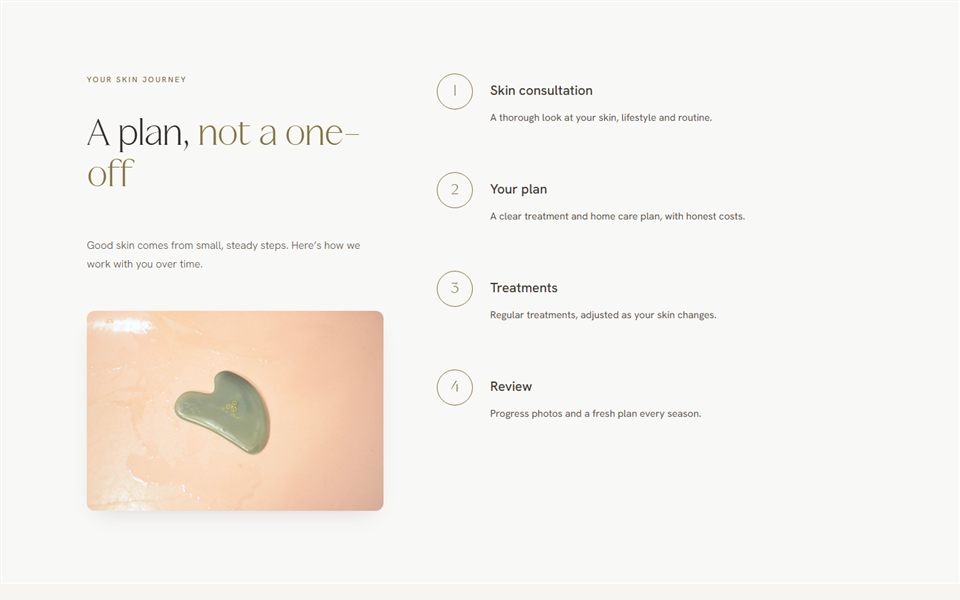
Process & why us
How it works, what to expect and why clients choose you.
5 sections
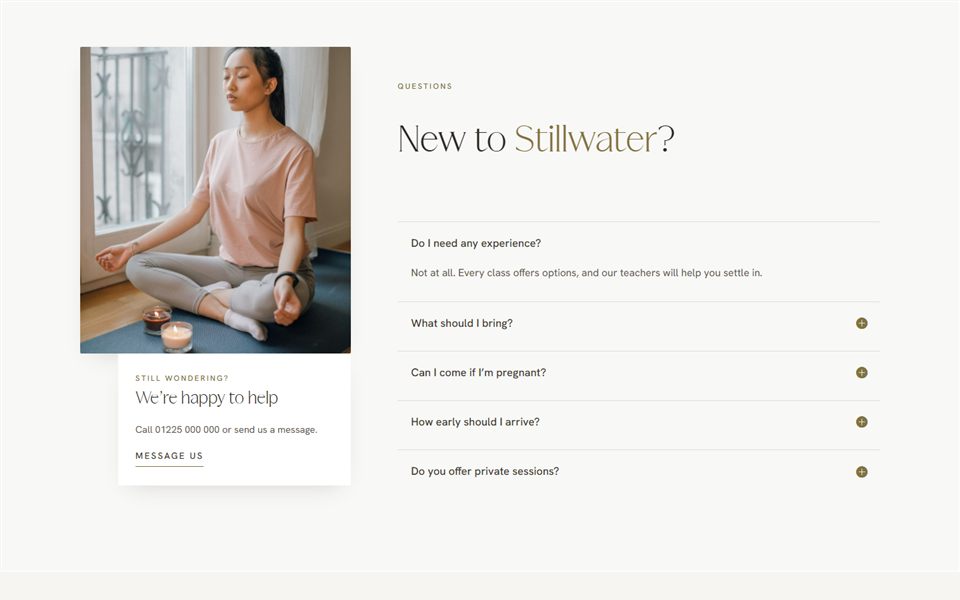
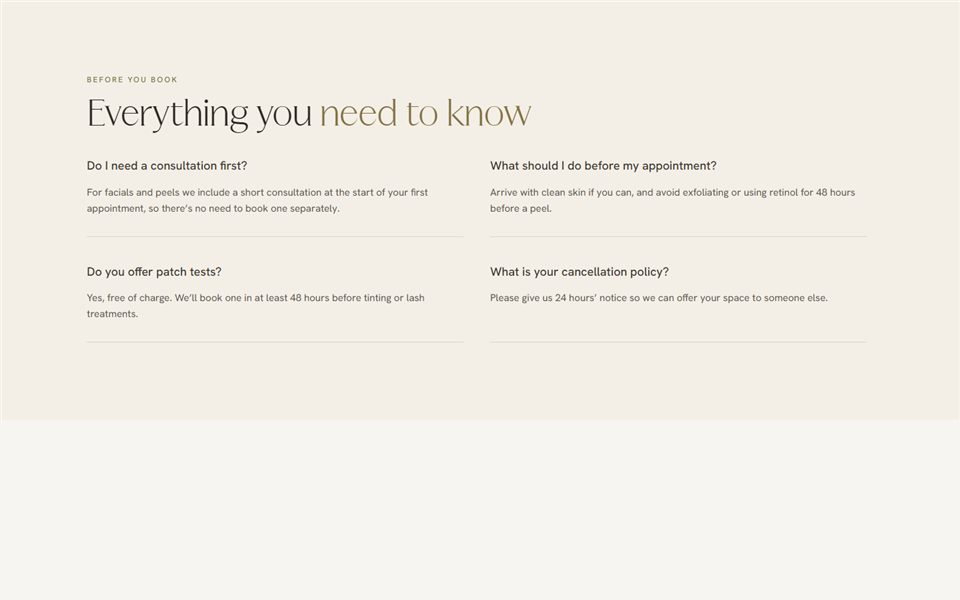
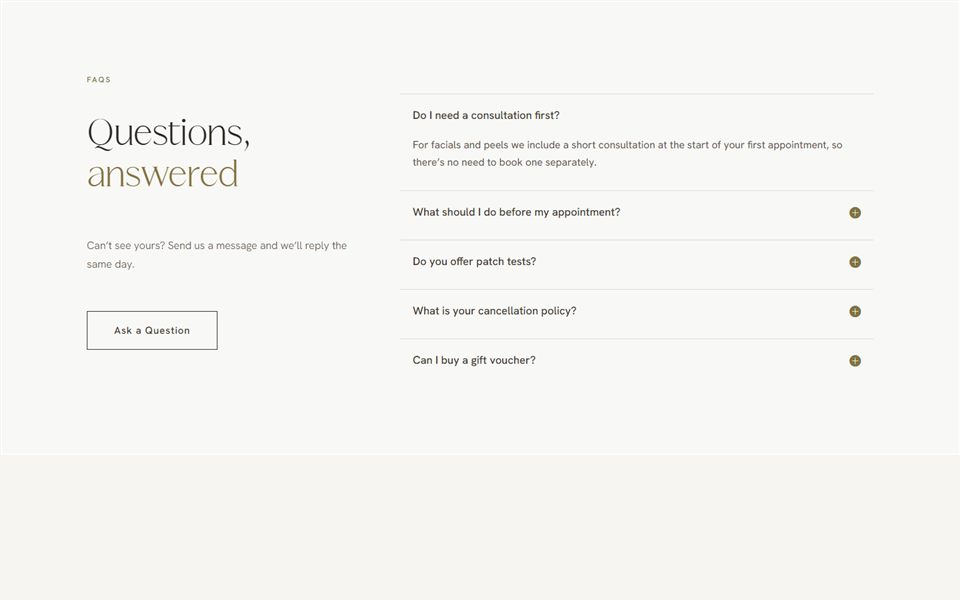
FAQs
Answer the questions people ask before they book.

9 sections
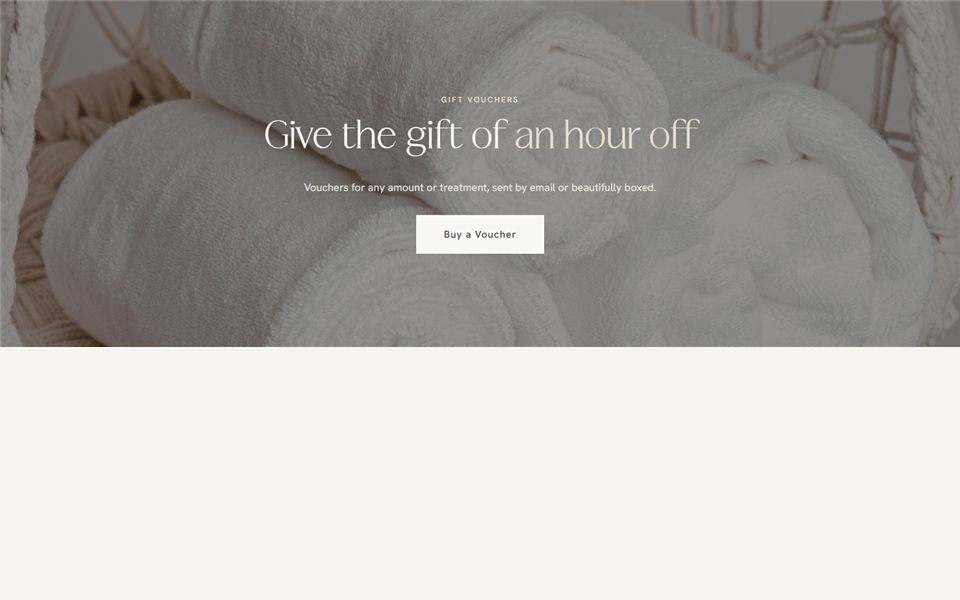
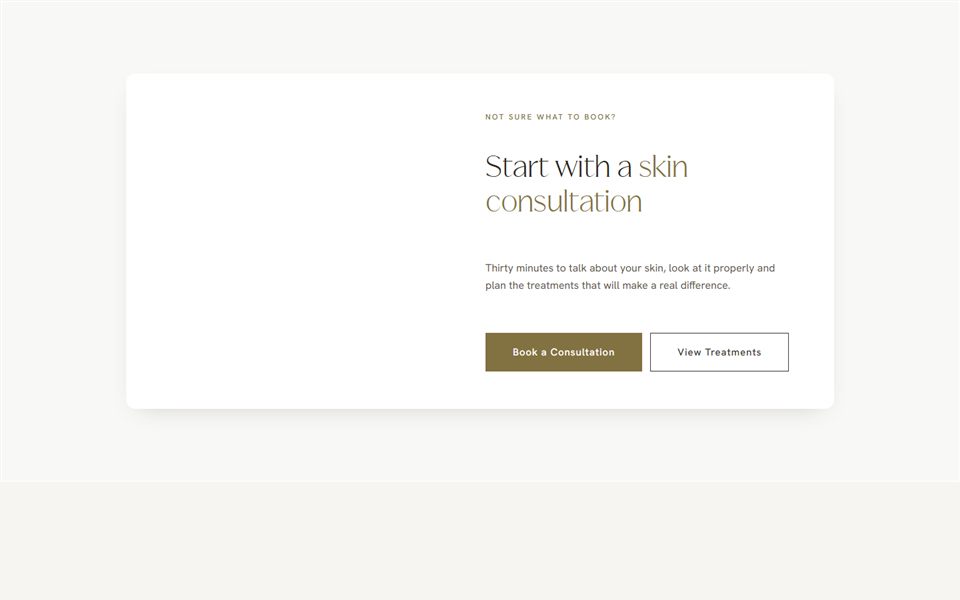
Booking & calls to action
Booking prompts, offers and sign-ups to close every page.
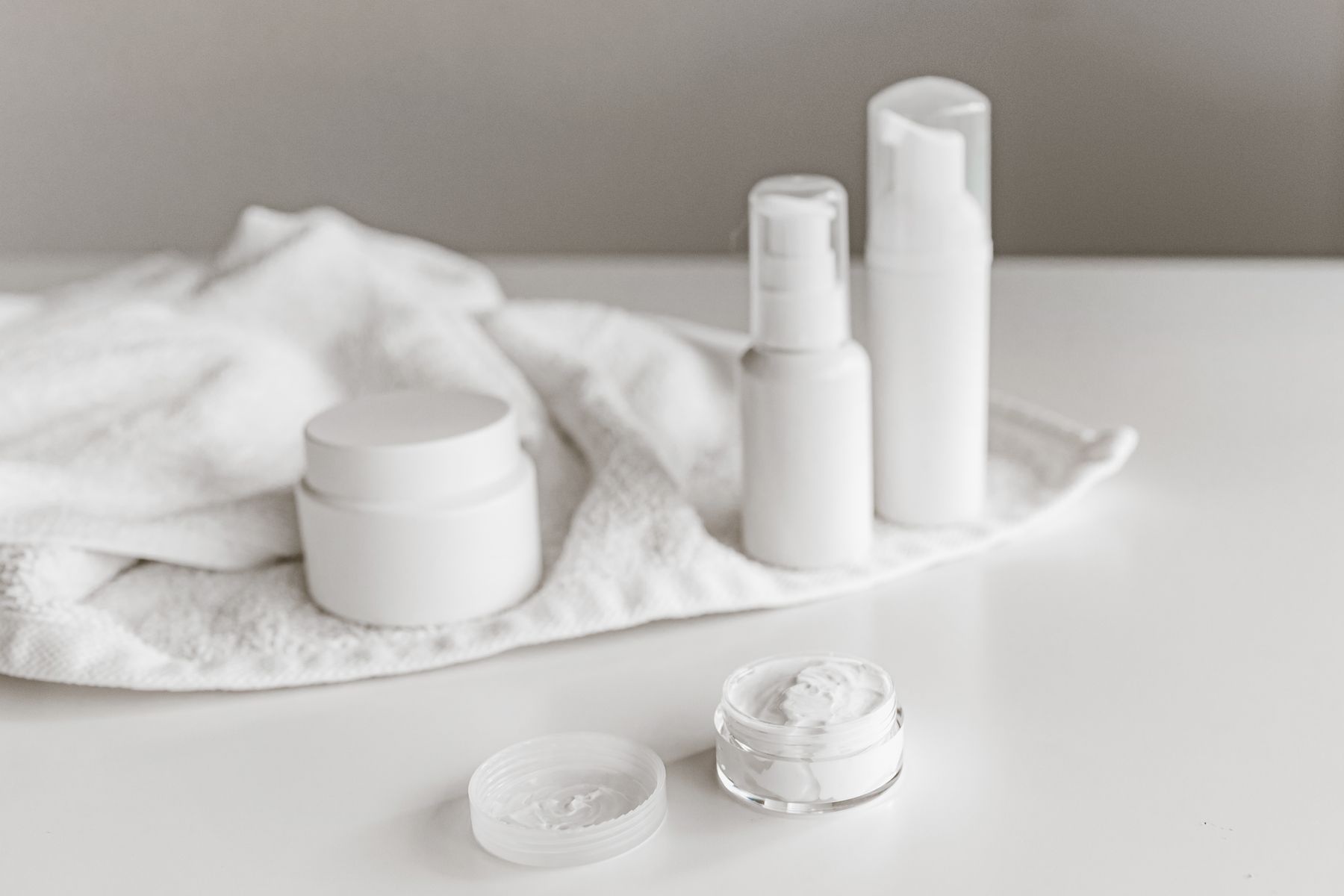
6 sections
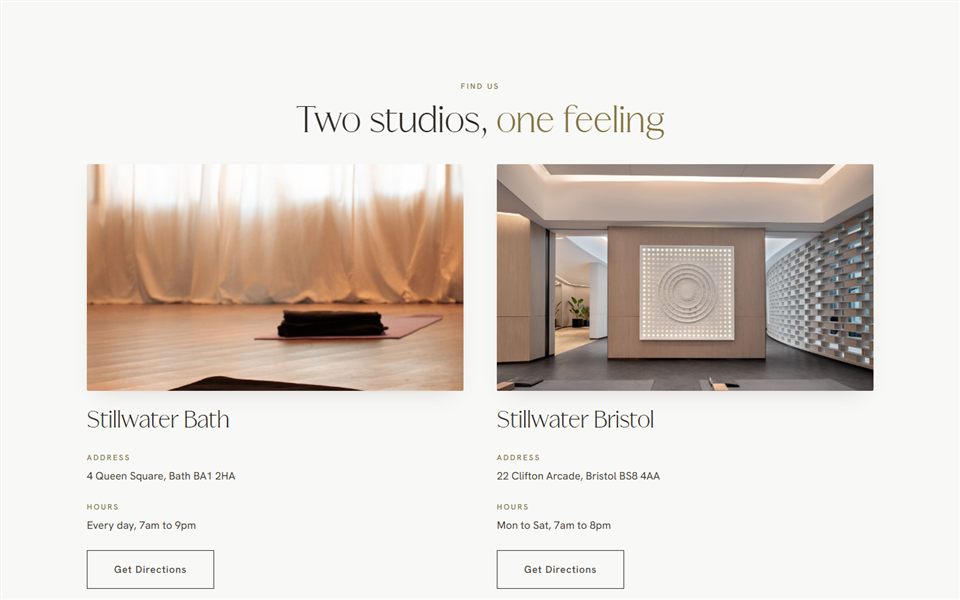
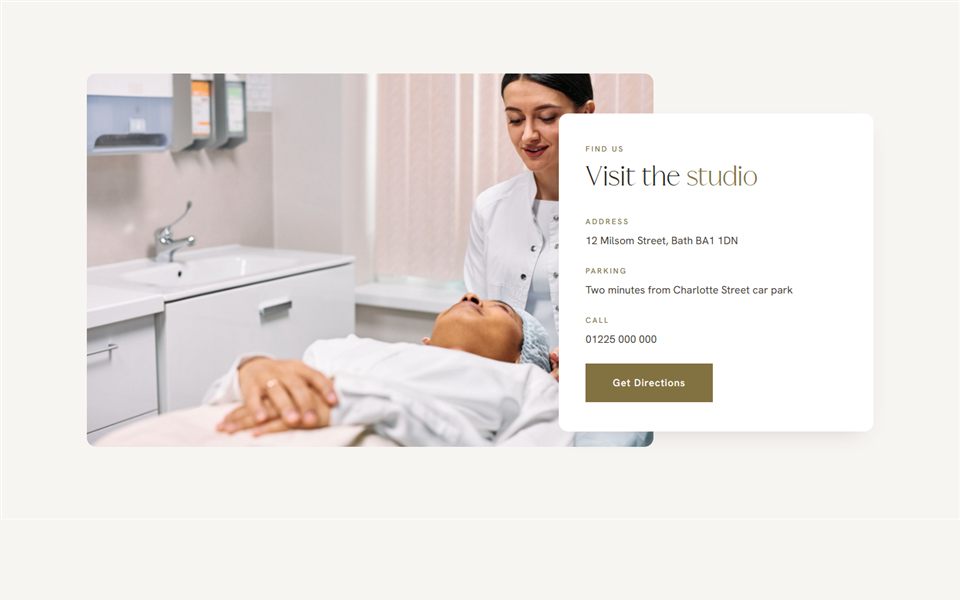
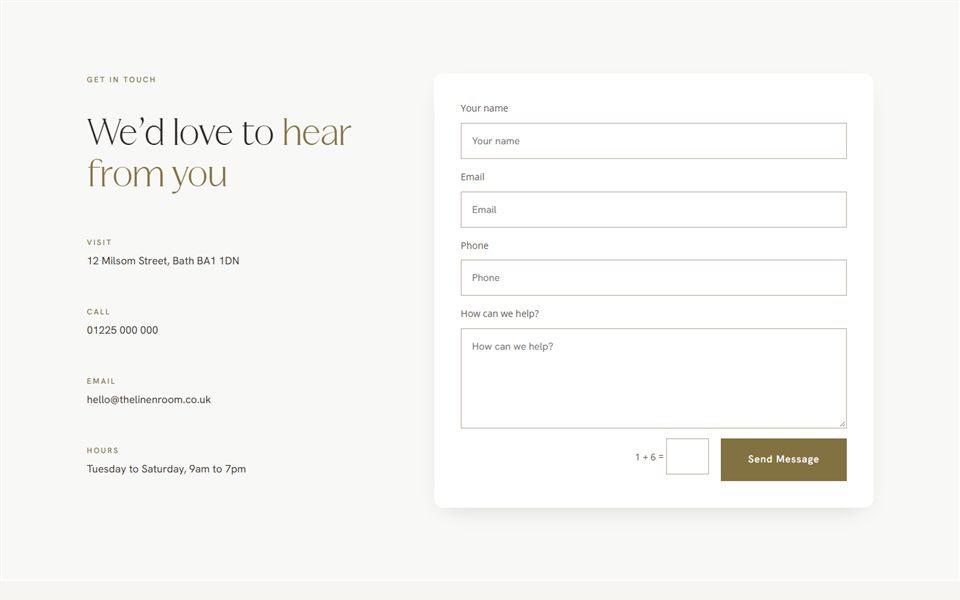
Contact & forms
Contact details, maps and enquiry forms.
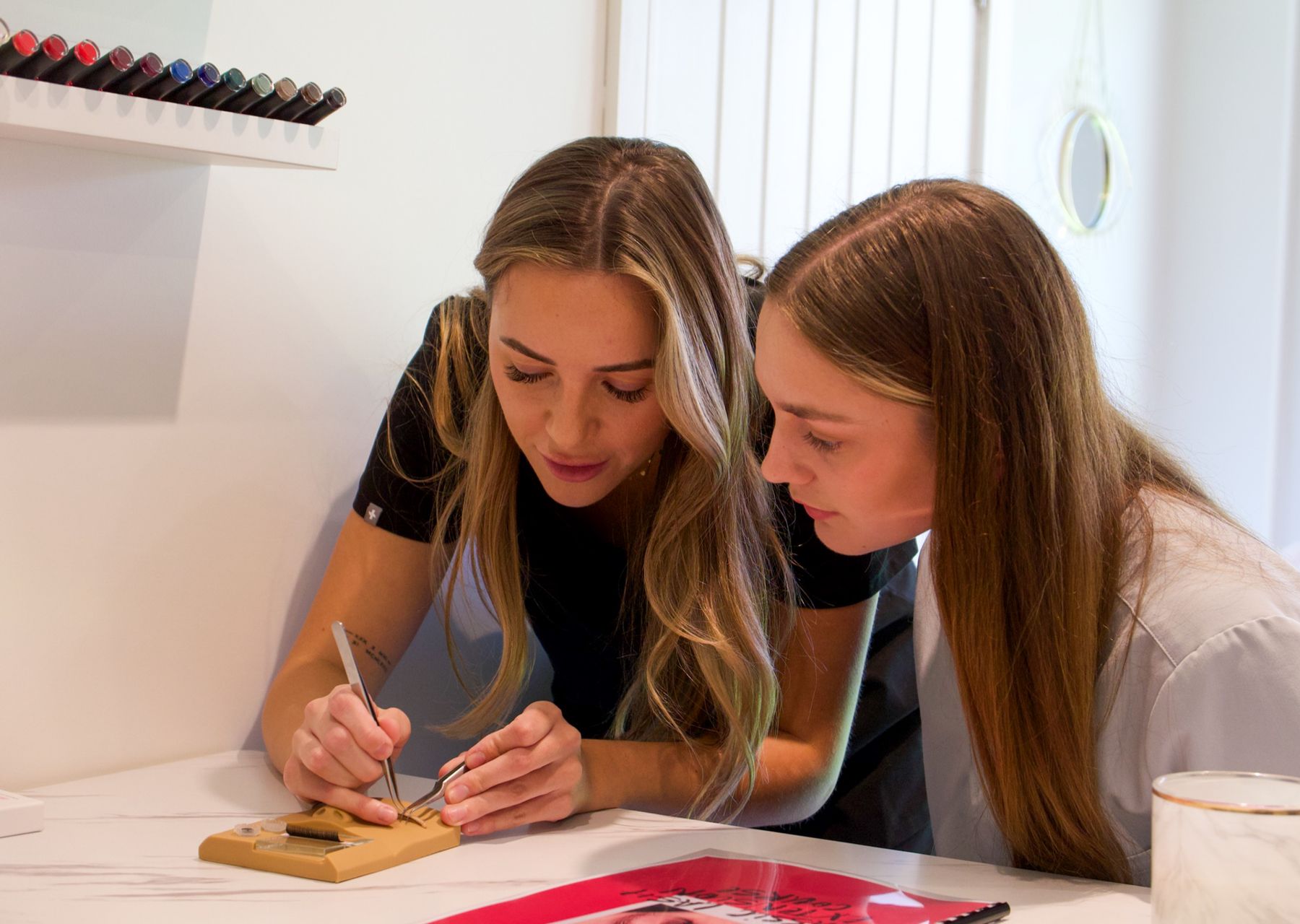
6 sections
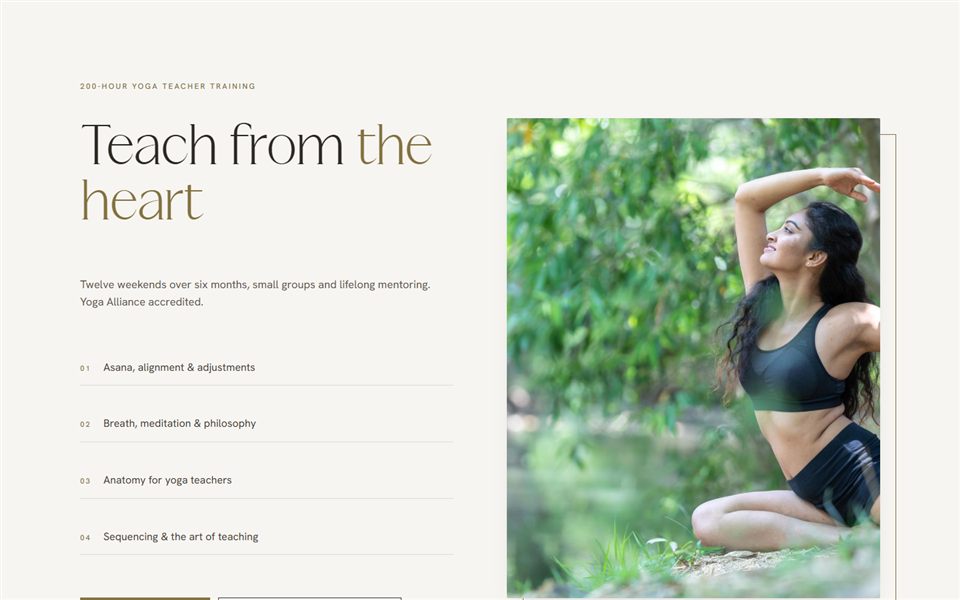
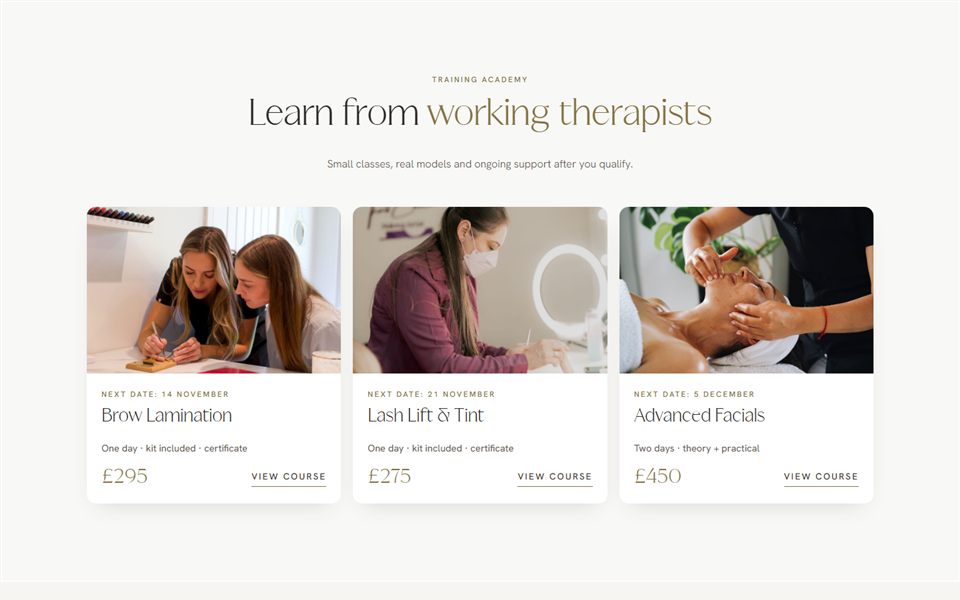
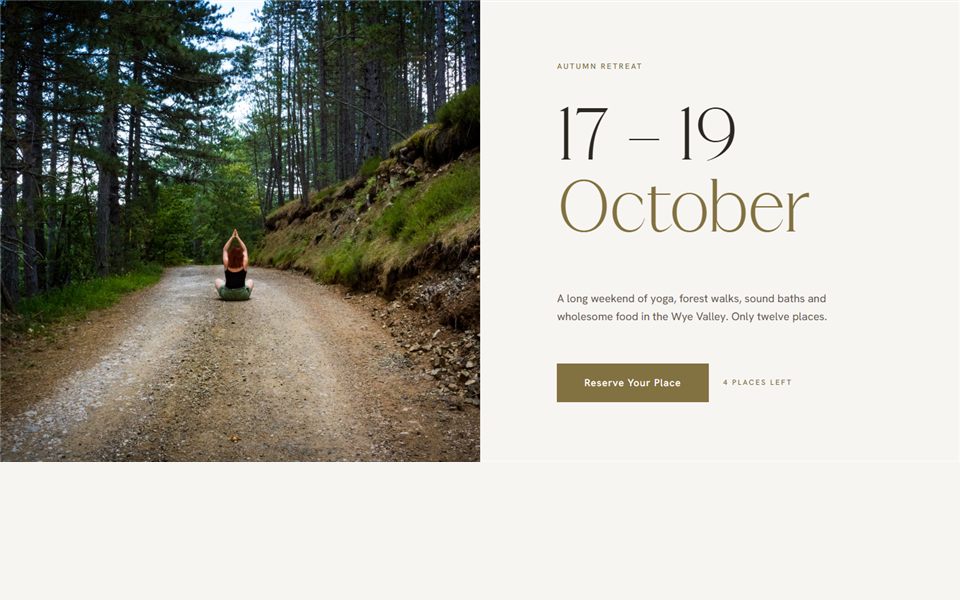
Courses & academy
Sections for trainers: courses, dates and what students learn.

7 sections
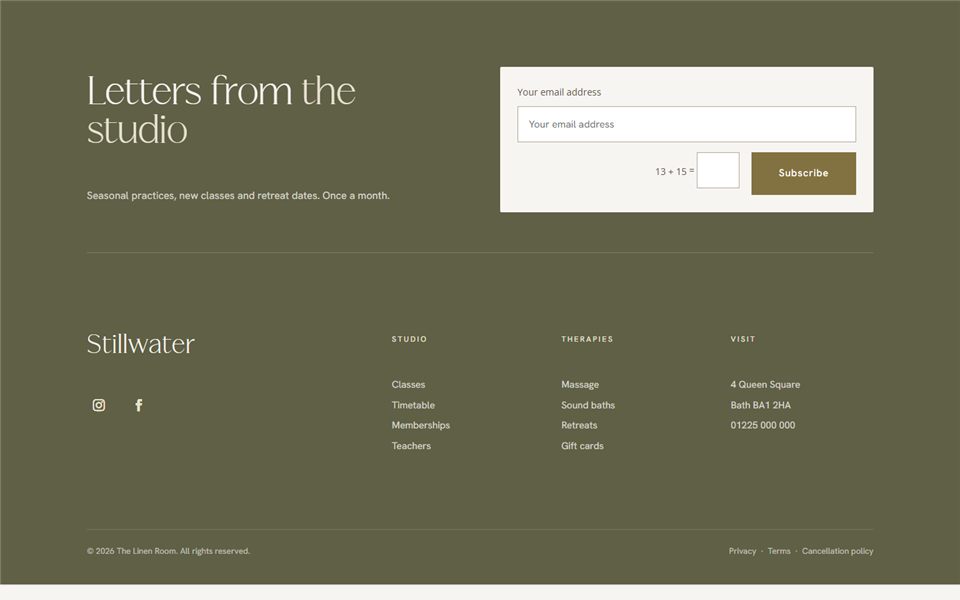
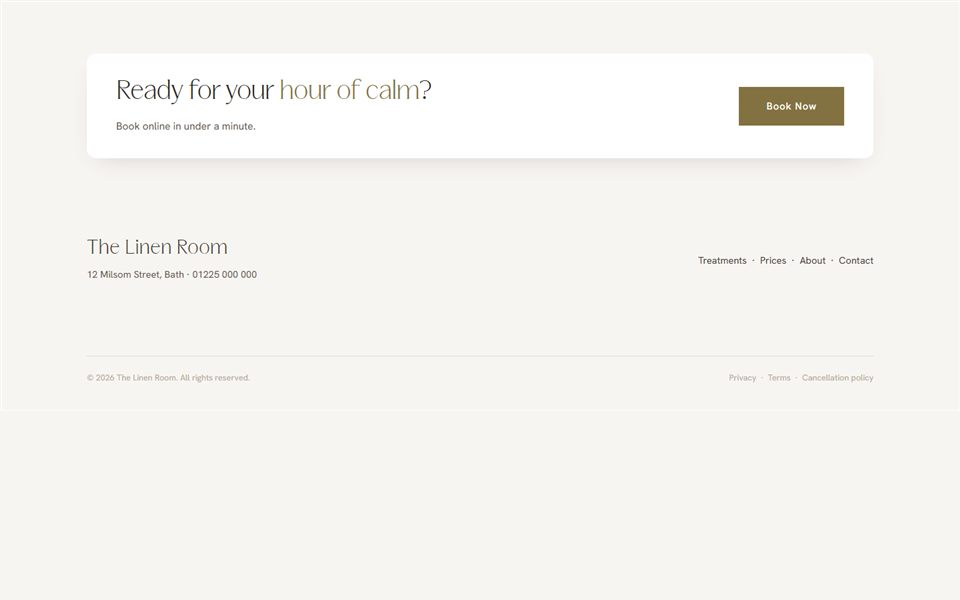
Footers
Finish every page beautifully.
How it works
From browsing to live on your site
B
1. Browse live
Every section is shown working here, on desktop, tablet and phone. Take your time.
B
2. Add to basket
Pick single sections, a bundle of 5 or 10, the whole library, or join the membership.
B
3. Download
Your sections arrive as Divi files, ready in your account straight away.
B
4. Import & make it yours
Import into your Divi 5 site, then add your words, photos and colours. Video guides included.
Ways to buy
Take one section, or the whole library
Pick single sections as you need them, bundle a few together and save, or get everything at once. Prices are being finalised.
Just one
Single section
£25 each
The exact section you need, ready to import into your Divi 5 site.
✓ One section of your choice
✓ Desktop, tablet & mobile
✓ Video guide to import
Bundle & save
Any 5 sections
15% off
Mix and match any five sections from any category, for less.
✓ Any five sections
✓ Mix categories freely
✓ Saving added in your basket
Bundle & save more
Any 10 sections
25% off
Ten sections of your choice. Ideal for a full homepage refresh.
✓ Any ten sections
✓ Mix categories freely
✓ Our best bundle saving
Everything
The whole library
£495
Every section in the Bloom Library, in one download.
✓ Every section, every category
✓ One-off payment
✓ Lifetime access to these sections
Keep evolving
Quarterly membership
£89 / quarter
Full access, plus new sections as they are added each quarter.
✓ Everything in the library
✓ New sections every quarter
✓ Cancel any time
Questions
Good to know
Anything else, just ask. I’m happy to help you choose.
What do I need to use the sections?
A WordPress website running Divi 5. Each section imports as a Divi file and is edited in the same visual builder as the rest of your site.
Will they match my branding?
Yes. Swap in your own colours, fonts, words and photos. The sections use global colours and presets, so changing your palette updates them all at once.
Do they work on phones?
Every section is designed for desktop, tablet and phone. Resize your browser or open this page on your phone to see each one in action.
How do the bundles work?
Choose any 5 or any 10 sections from any category and the bundle price applies in your basket.
What is the quarterly membership?
Full access to the whole library, plus new sections as they’re added each quarter, for as long as you’re a member.
Are the photos included?
The demo photos are for preview only. Add your own photos once you’ve imported a section.
Not sure where to start?
Let’s choose together
Tell me about your business and your website, and I’ll point you to the sections that will make the biggest difference.