
The Bloom Library · Social media templates
Social media templates
Complete Instagram and Facebook sets for beauty and wellness businesses. Every pack is designed around its own idea, with feed posts, stories, carousels, reel covers and highlight covers that all belong together. You edit them in Canva, so changing a photo or a date takes seconds.
Social pack 01
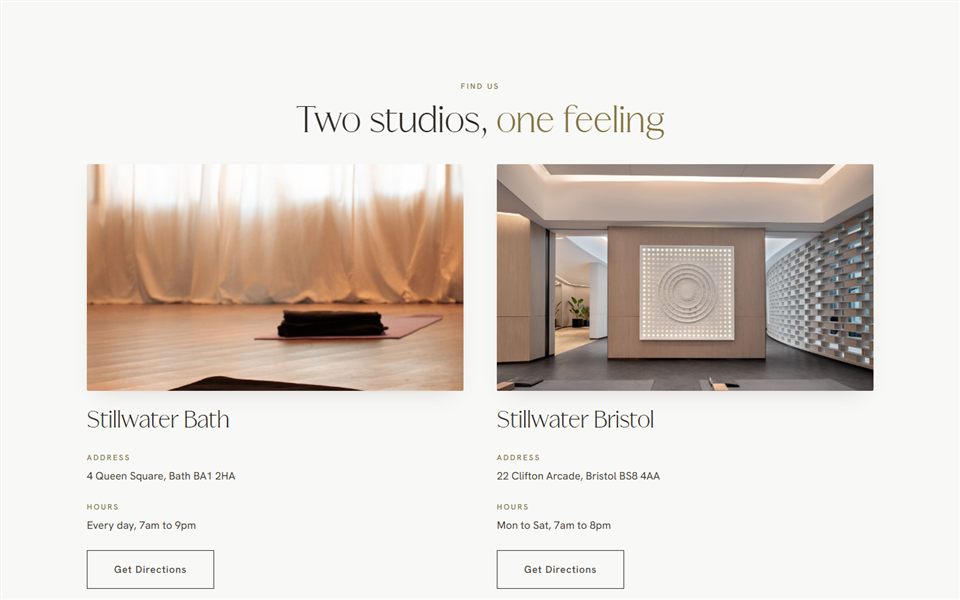
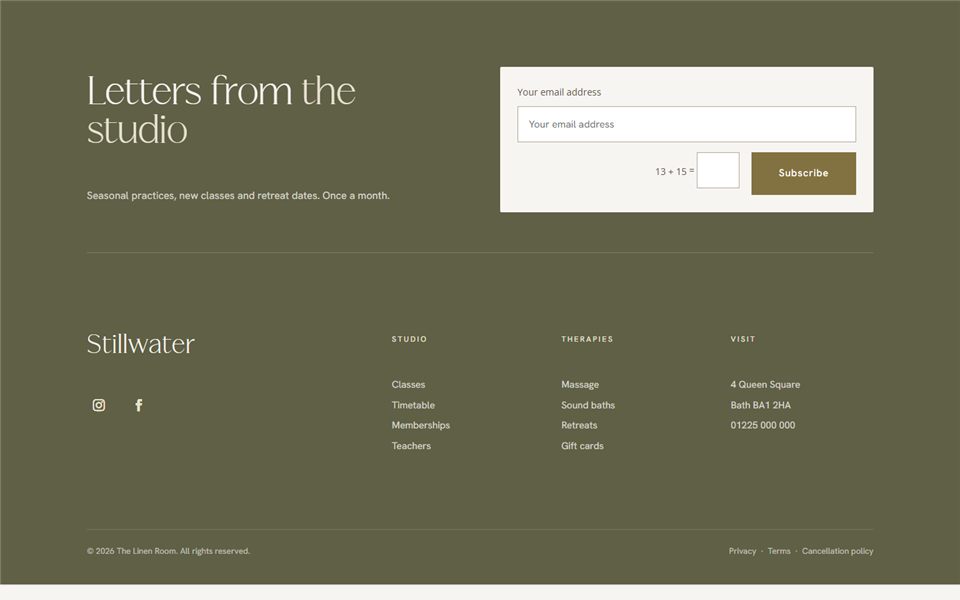
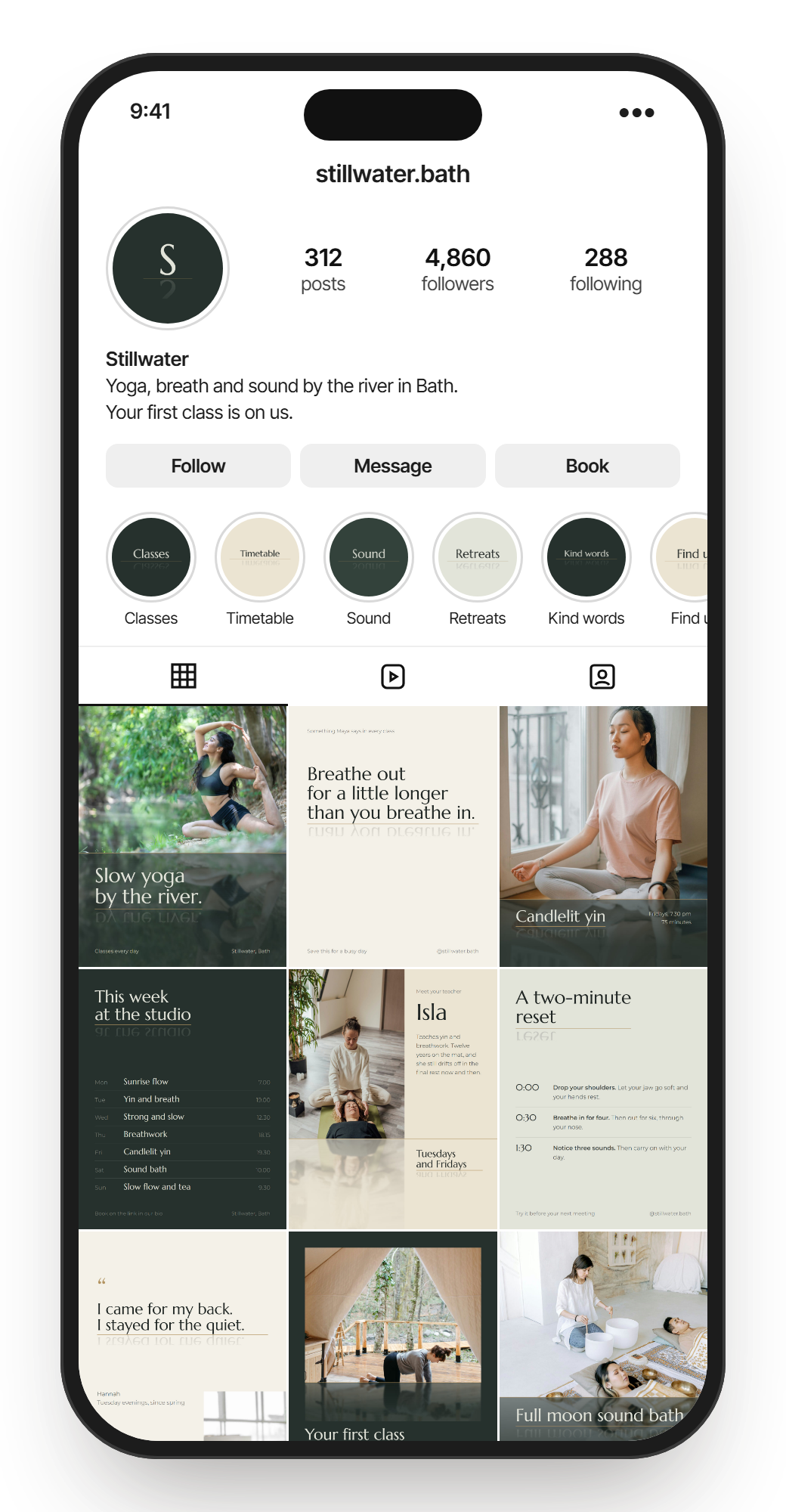
Stillwater
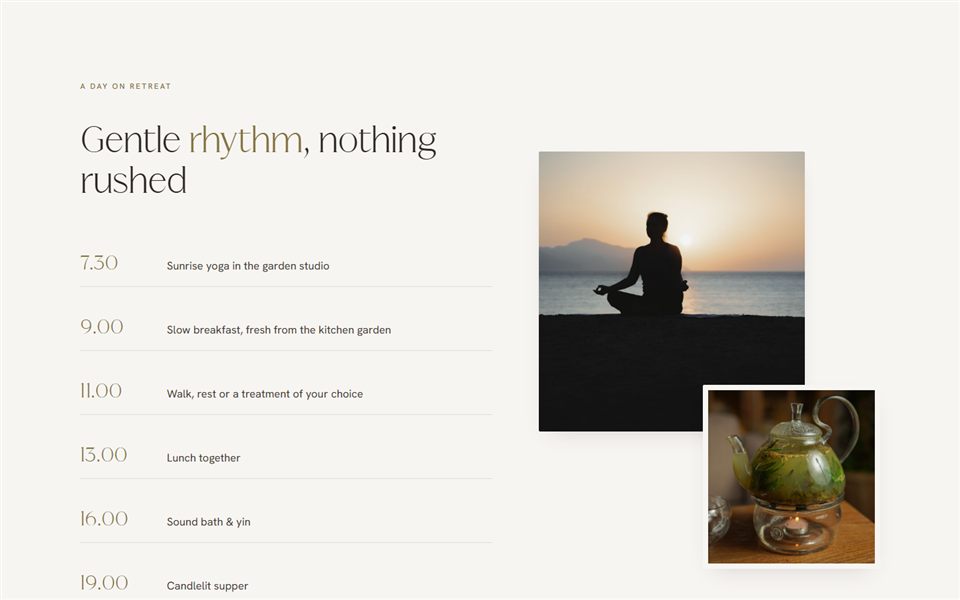
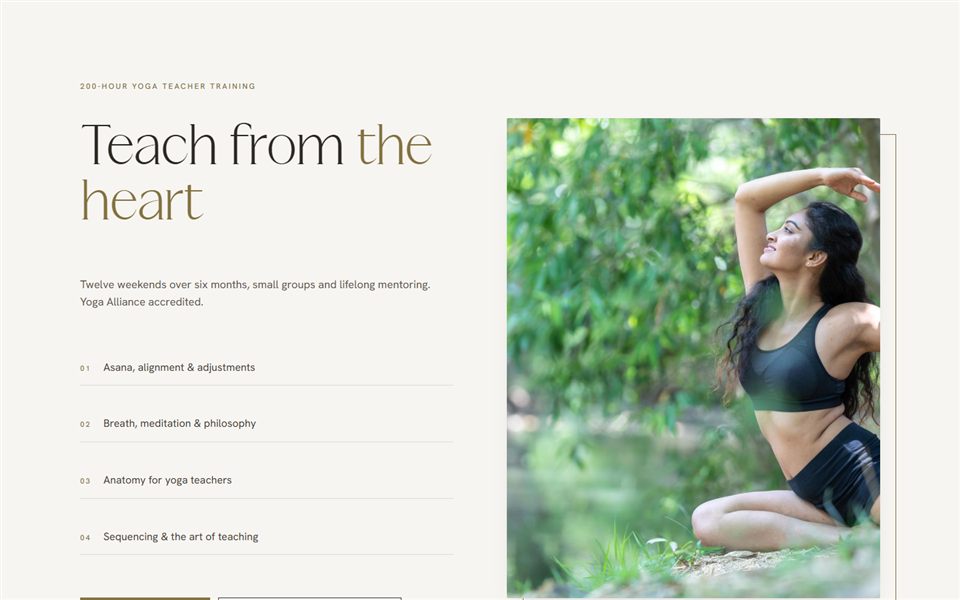
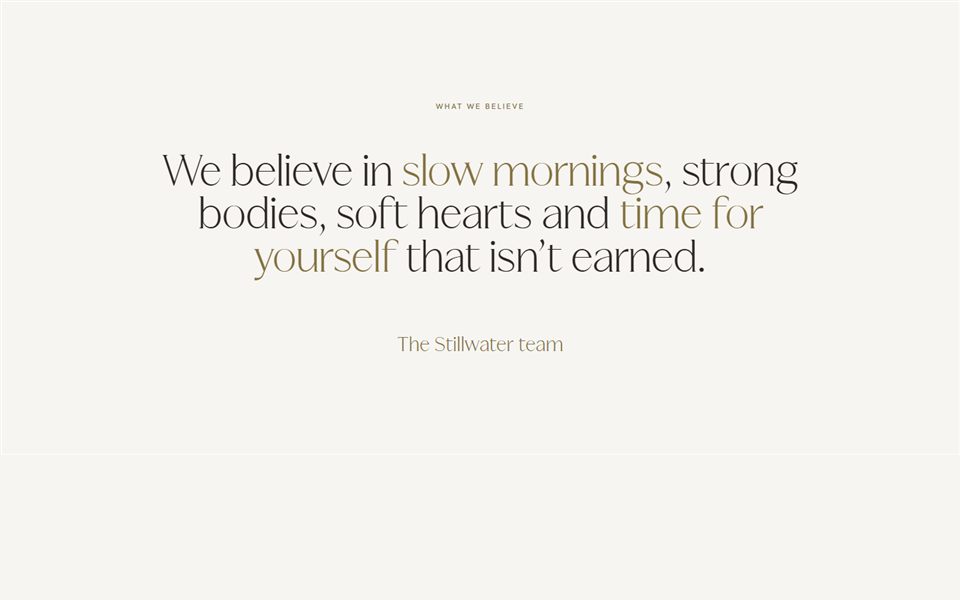
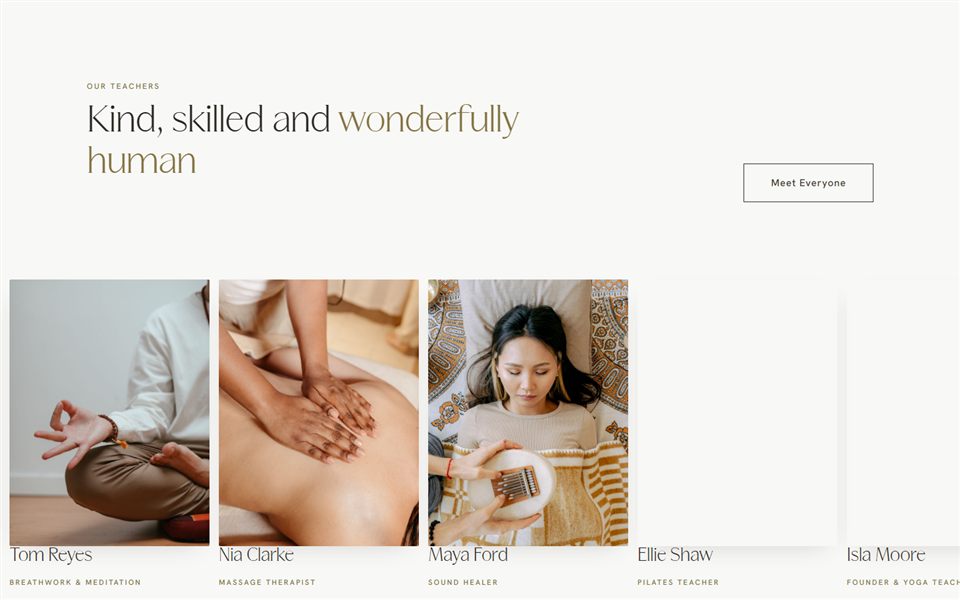
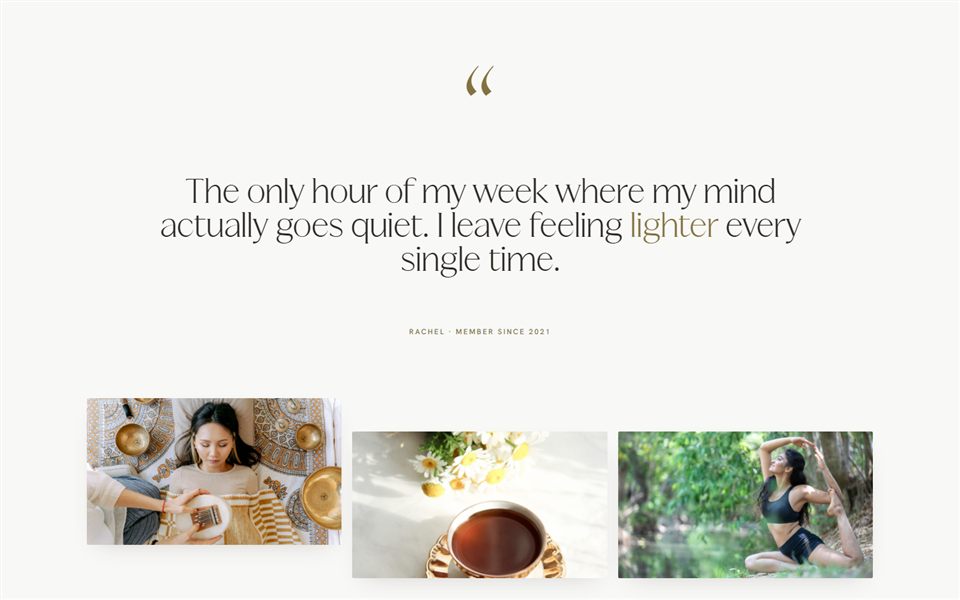
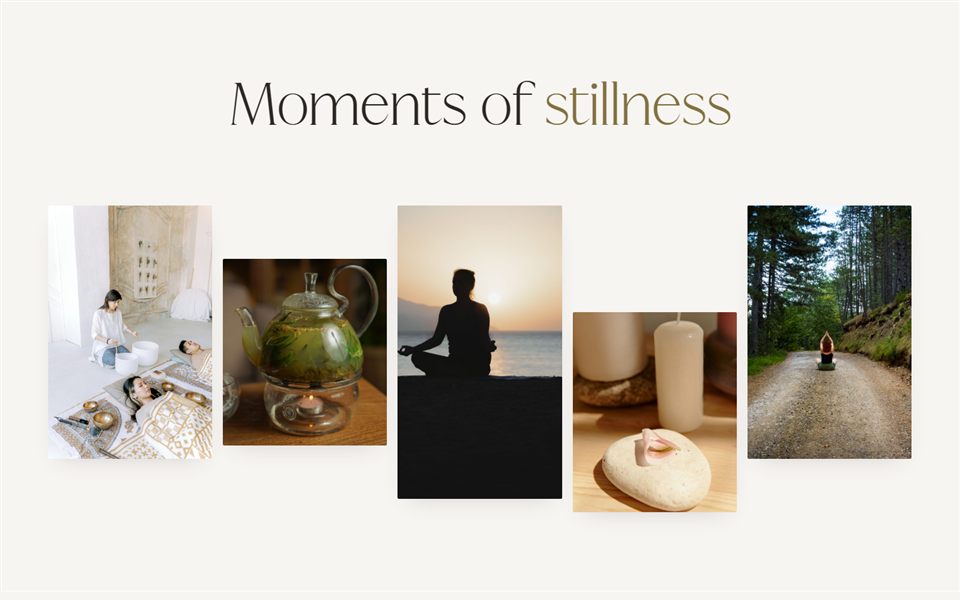
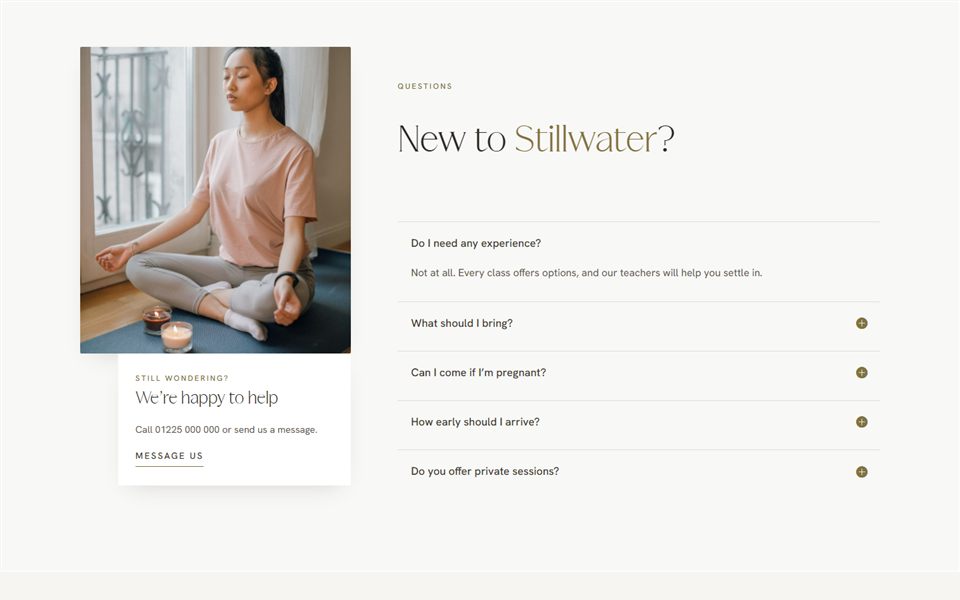
For a yoga, breath and sound studio by the river. Every design sits on one quiet waterline, and the words above it are reflected faintly underneath, like the river on a still morning. Deep river green, Bath stone and mist, set in Marcellus and Montserrat.
Yoga & wellness
Also suits spas & massage
40 designs
Edit in Canva
Inside the pack
- 12 feed posts
- 6 stories
- 2 carousels of 5 slides
- 4 reel covers
- 6 highlight covers and a profile picture
- A Facebook cover
Whole pack
£35
Social pack 02
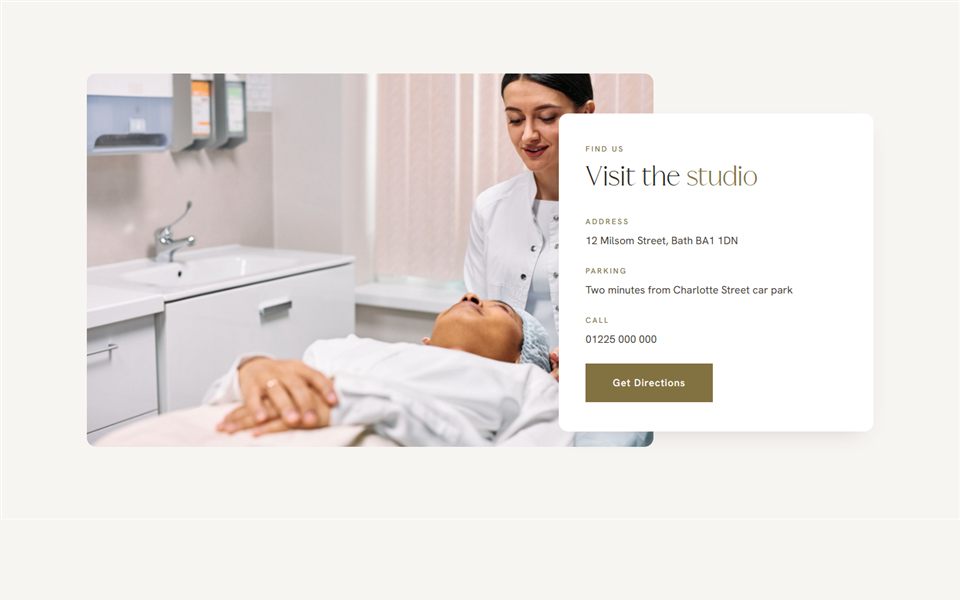
The Linen Room
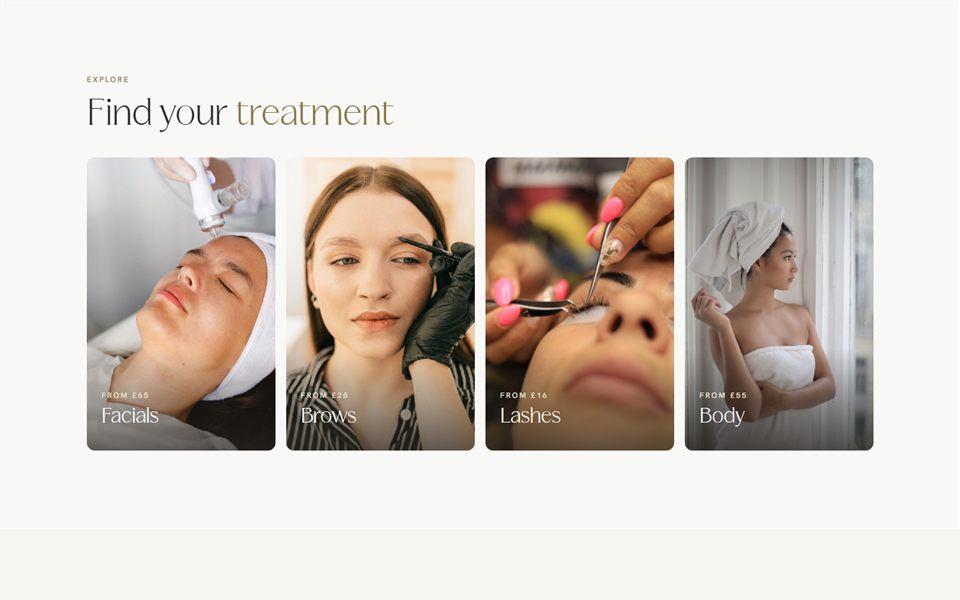
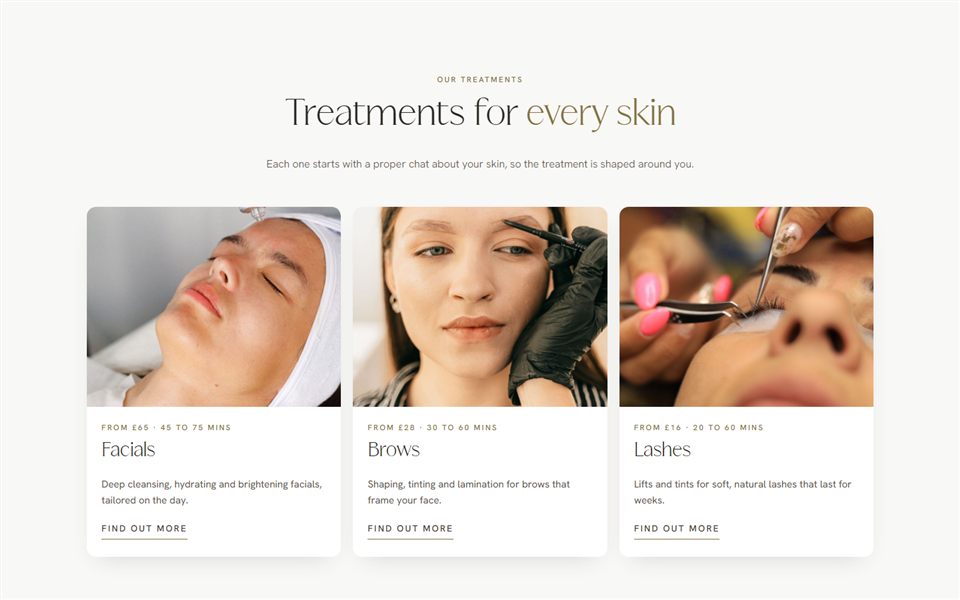
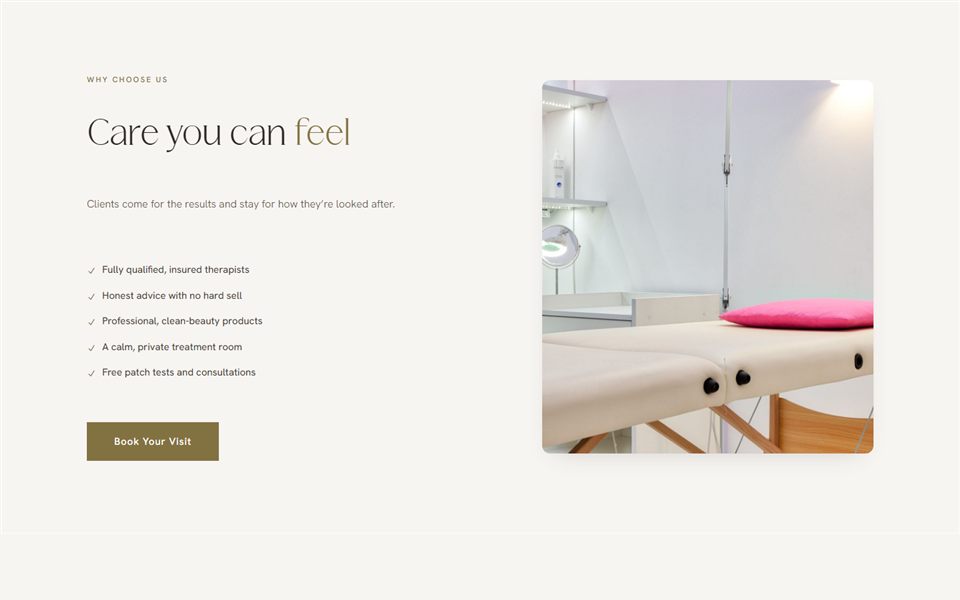
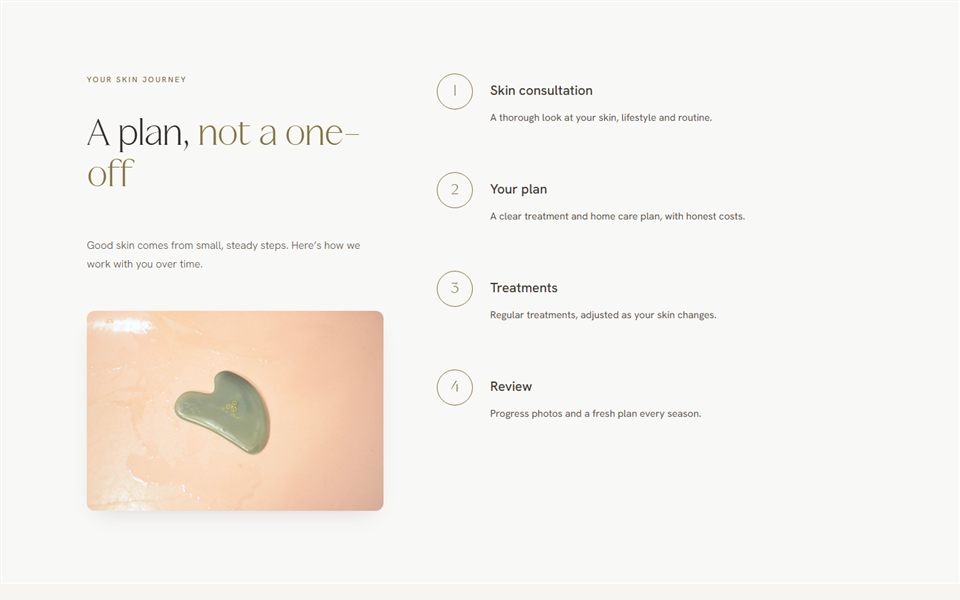
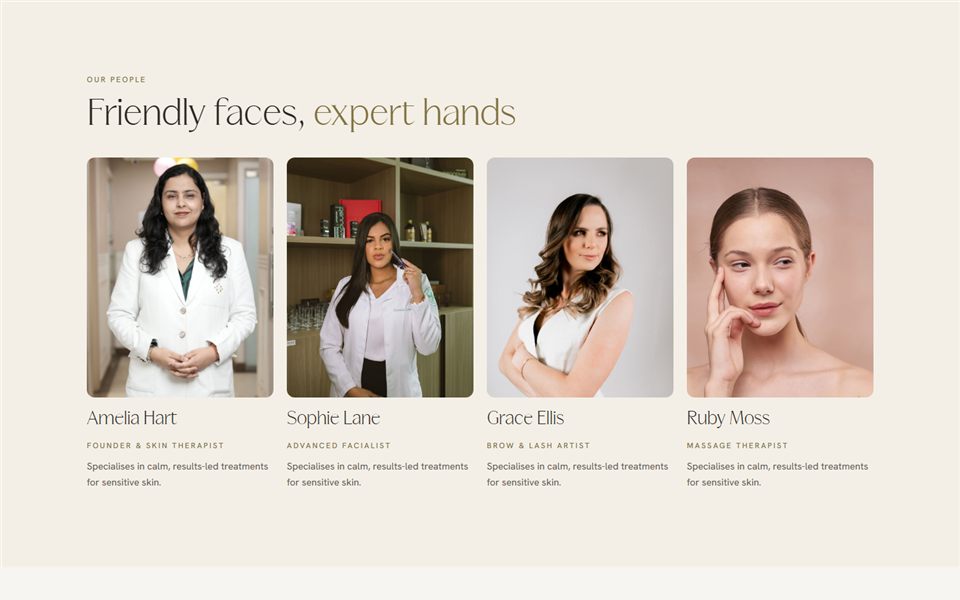
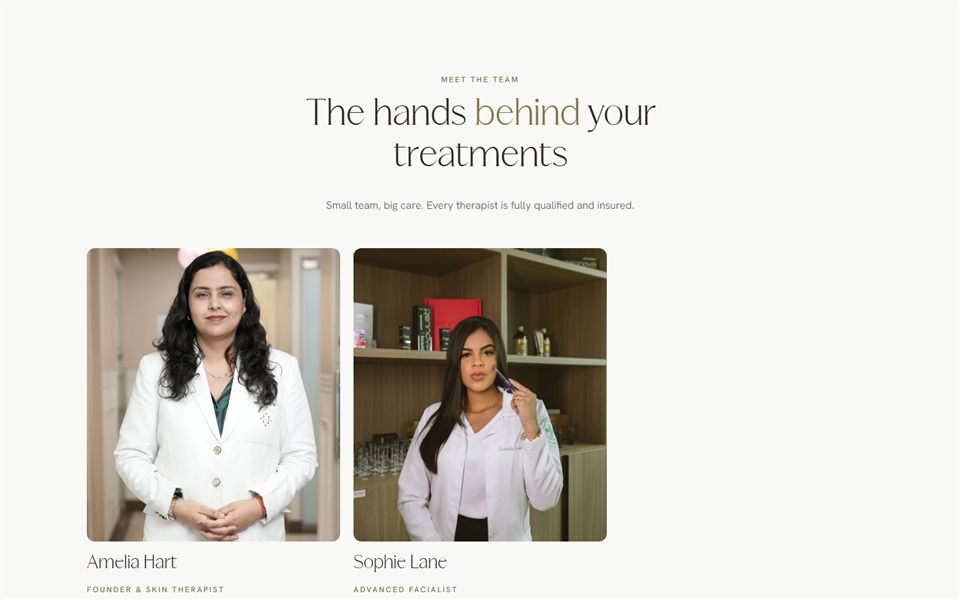
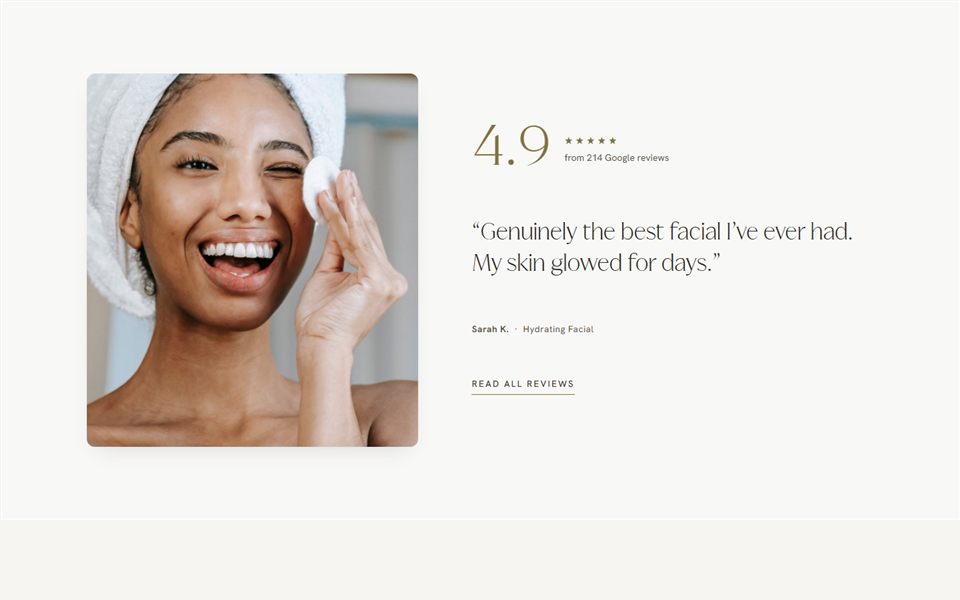
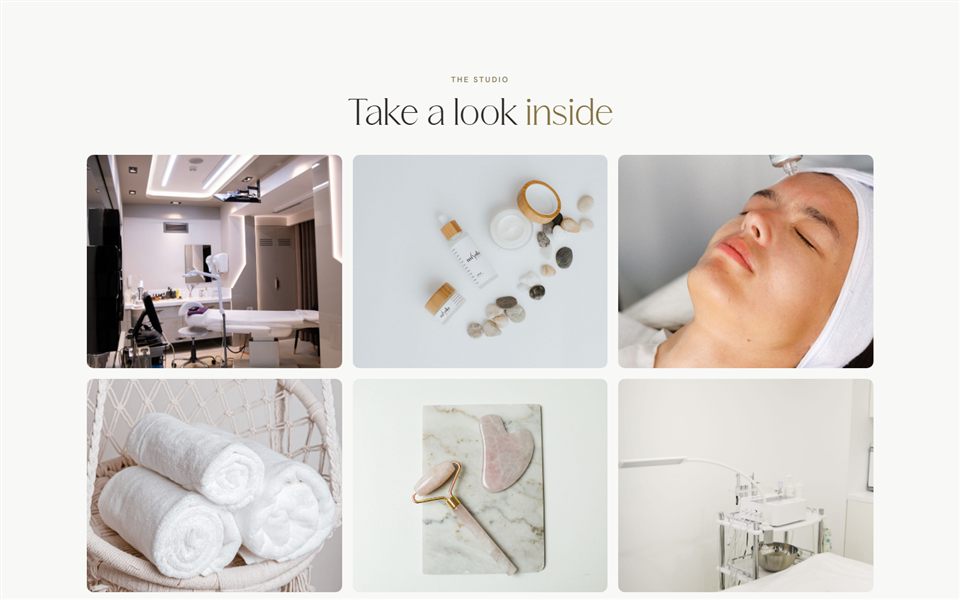
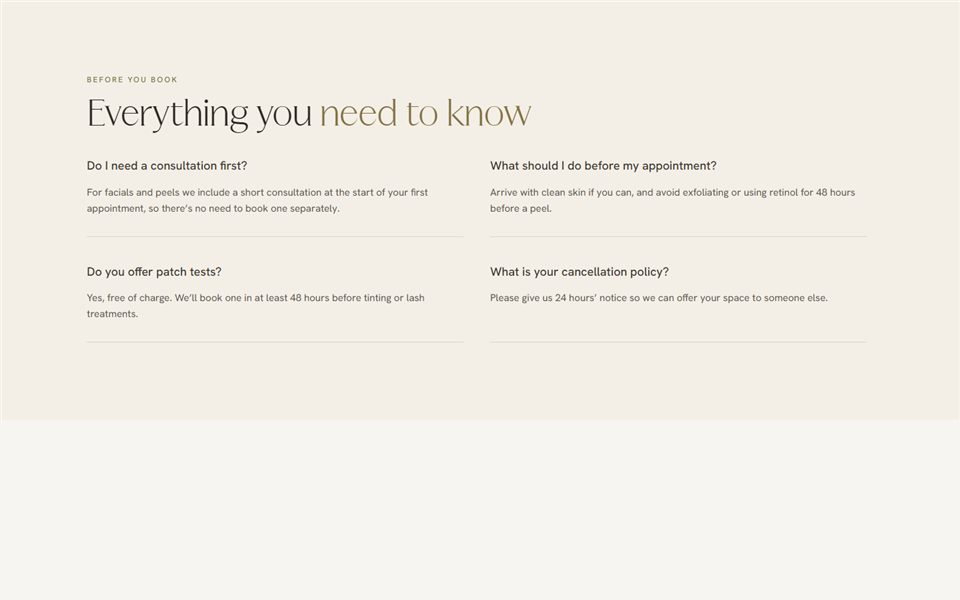
For a skin and brow studio. Built like an old appointment card: typed paper cards, a little tilted, tucked over photos on a linen ground. Prices, times and tips sit on the cards, so your feed reads like a well-kept treatment book. Clay rose and ink brown, set in DM Serif Display and Courier Prime.
Skin & beauty
Also suits brow and lash studios
40 designs
Edit in Canva
Inside the pack
- 12 feed posts
- 6 stories
- 2 carousels of 5 slides
- 4 reel covers
- 6 highlight covers and a profile picture
- A Facebook cover
Whole pack
£35
Social pack 03
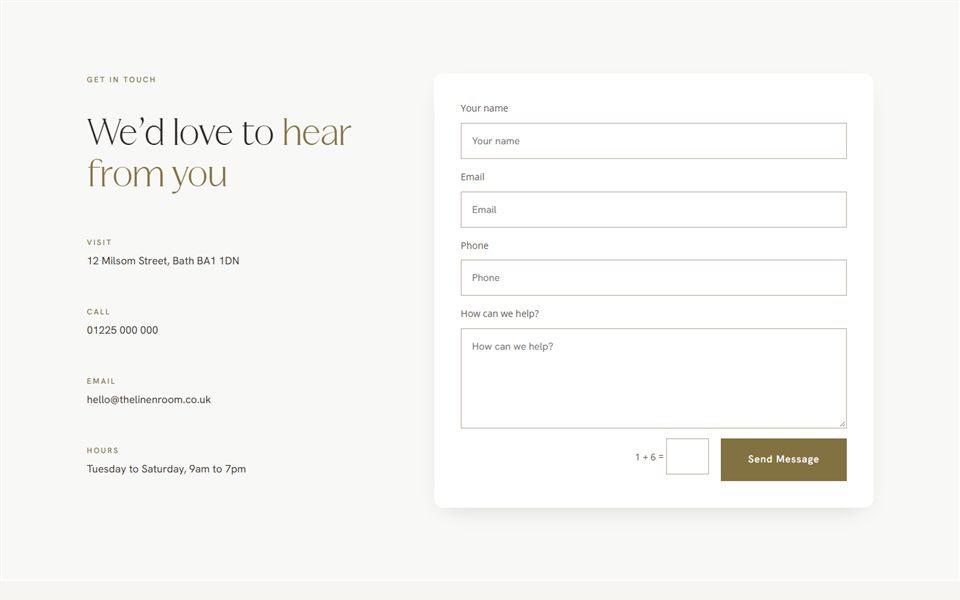
Noha
For a hair salon. Built around the colour chart every salon keeps: hair swatches cut from your own photos hang in a row like a shade ring, and a soft taupe band carries the words across your pictures. Warm taupe, cream and espresso, set in Newsreader, Manrope and Tenor Sans. Matches the Noha website template.
Hair salons
Also suits colour bars and extension studios
40 designs
Edit in Canva
Inside the pack
- 12 feed posts
- 6 stories
- 2 carousels of 5 slides
- 4 reel covers
- 6 highlight covers and a profile picture
- A Facebook cover
Whole pack
£35
How it works
From basket to posted
No design software and no designer needed. A free Canva account is enough.
B
1. Choose your pack
Pick the pack that feels most like your business. Every one suits more than one kind of studio, salon, clinic or spa.
B
2. Open it in Canva
Your download has one link per set. Click it and Canva makes your own copy, ready to edit.
B
3. Make it yours
Drop in your photos, change the words and dates, and swap the colours for your brand colours if you like.
B
4. Post
Download each design as an image and post it straight to Instagram or Facebook, or schedule it from Canva.
Questions
Good to know
Anything else, just ask.
Do I need Canva Pro?
No. Every design opens and edits in a free Canva account. The fonts are ones Canva already has, so nothing changes when you open them.
Can I change the colours and fonts?
Yes. Click any colour or word in Canva to change it. Changing one colour across a whole design takes a couple of clicks.
Are the photos included?
The demo photos show how each design works. Swap in your own photos of your space, your work and your team. Real photos of your business will always do better than stock.
What sizes are they?
Feed posts and carousels are 1080 x 1350, the tall shape Instagram shows in your grid. Stories, reel covers and highlight covers are 1080 x 1920. The Facebook cover is 1640 x 624.
Will they match my website?
If your website uses Bloom Library sections, pick the pack in the same mood and change the colours to your brand colours, and your website and socials will sit together beautifully.